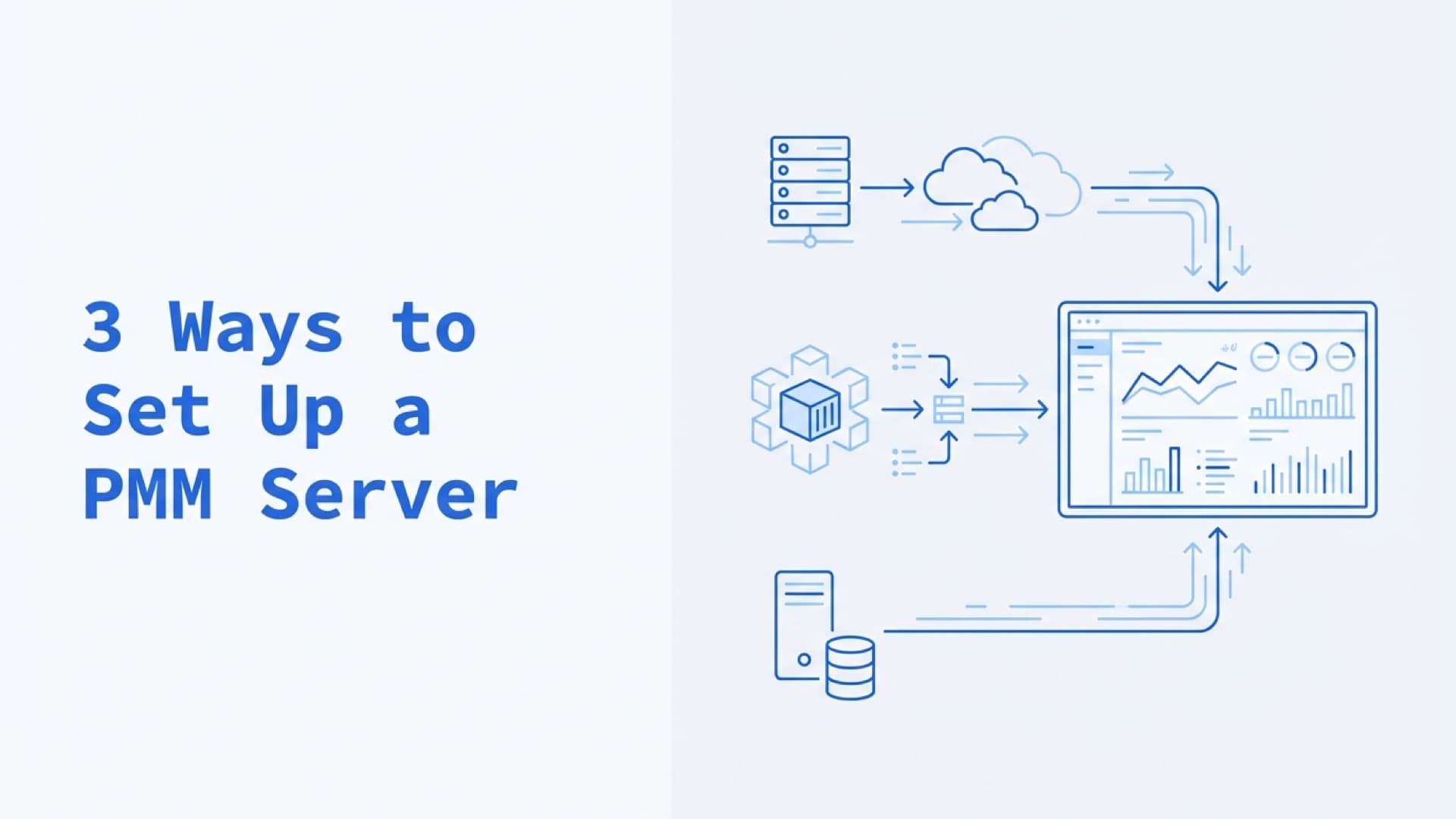
3 Ways To Set Up A PMM Server
 Pavel Rykov··Updated
 Linode VPS
This method involves self-configuring everything you need on a virtual machine in the Linode cloud, with all the complexities and peculiarities that come with it.
Pros:
-
You can manage the entire technology stack;
-
Customization of the VPS;
-
Automated backups and restoring from backups is on the Linode side;
Cons:
-
You will manage the entire technology stack;
-
Updates of PMM and OS packages must be done manually;
-
Security issues on your side;
-
PMM server status monitoring too;
AWS Marketplace
Installing through the Marketplace is a much easier way than manually installing on a virtual machine, there is no need to maintain a solution and think about backups, AWS takes care of most of the tasks. It is only difficult to set up a VPC for the first time.
Pros:
-
Easy to install in a few clicks;
-
Full support includes updates and backups is on the AWS side;
-
Customization of the VPS;
-
Flexible configuration of security rules using AWS VPC;
-
PMM server status monitoring;
Cons:
-
High price;
-
Need to prepare VPC and Security Groups for providing access to PMM server from internet;
-
AWS VPC rules need to be supported on your side;
HostedPMM
The hosted option, HostedPMM, is no longer available.
Need help with database monitoring and performance? Our DevOps consulting team sets up monitoring for MySQL, PostgreSQL and MongoDB. The first conversation is free.
Frequently Asked Questions
What is the easiest way to set up a PMM server?
Of the options that remain, AWS Marketplace is the easiest, with a few-click install. Self-hosting on a VPS (Linode, DigitalOcean) gives maximum control but requires you to manage updates, backups, SSL, and monitoring yourself.
How much does it cost to run a PMM server?
AWS Marketplace pricing depends on instance size, plus AWS infrastructure costs. Self-hosting on a VPS like Linode keeps the server bill low, but factor in your own time for maintenance, updates, and troubleshooting.
What are the minimum requirements for a PMM server?
Percona's hardware recommendations for PMM Server are 4 CPU cores, 8 GB of RAM and 100 GB of storage for a typical deployment of 1-30 nodes, and 8-16 cores, 16-32 GB of RAM and 200 GB of storage for 31-200 nodes. Its AWS sizing table starts lower, at a t3.medium (2 vCPUs, 4 GB RAM, 20 GB storage) for 1-10 hosts. Storage grows with the retention period: Percona estimates about 1 GB per node for each week of retention, or about 4 GB per node at the default 30-day retention. Monitor your PMM server's own resource usage to avoid performance degradation.
Related Reading
Related posts

How To Set Up Alerts Using PMM
Percona Monitoring and Management allows you to set different alerts related to your infrastructure.

DB Performance Troubleshooting Workflow Using Percona PMM
Some time you may face with the situation when your DB became slow. You may notice it during developing your system.
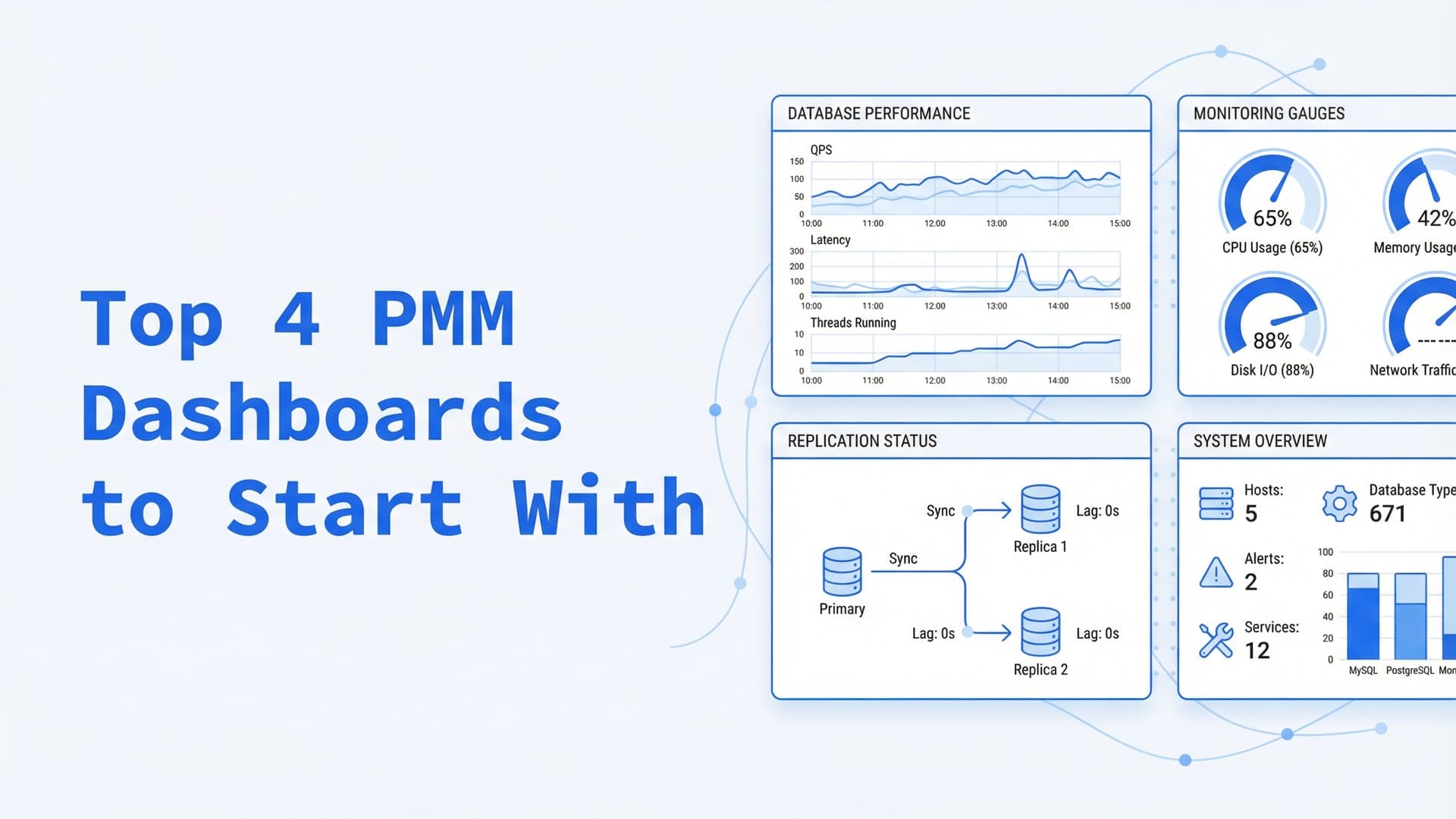
Top 4 PMM Dashboards To Start With PMM
Once I first logged in to PMM web interface (which is, by the way, standard Grafana with a predefined dashboards set), I was a bit puzzled and did not know...