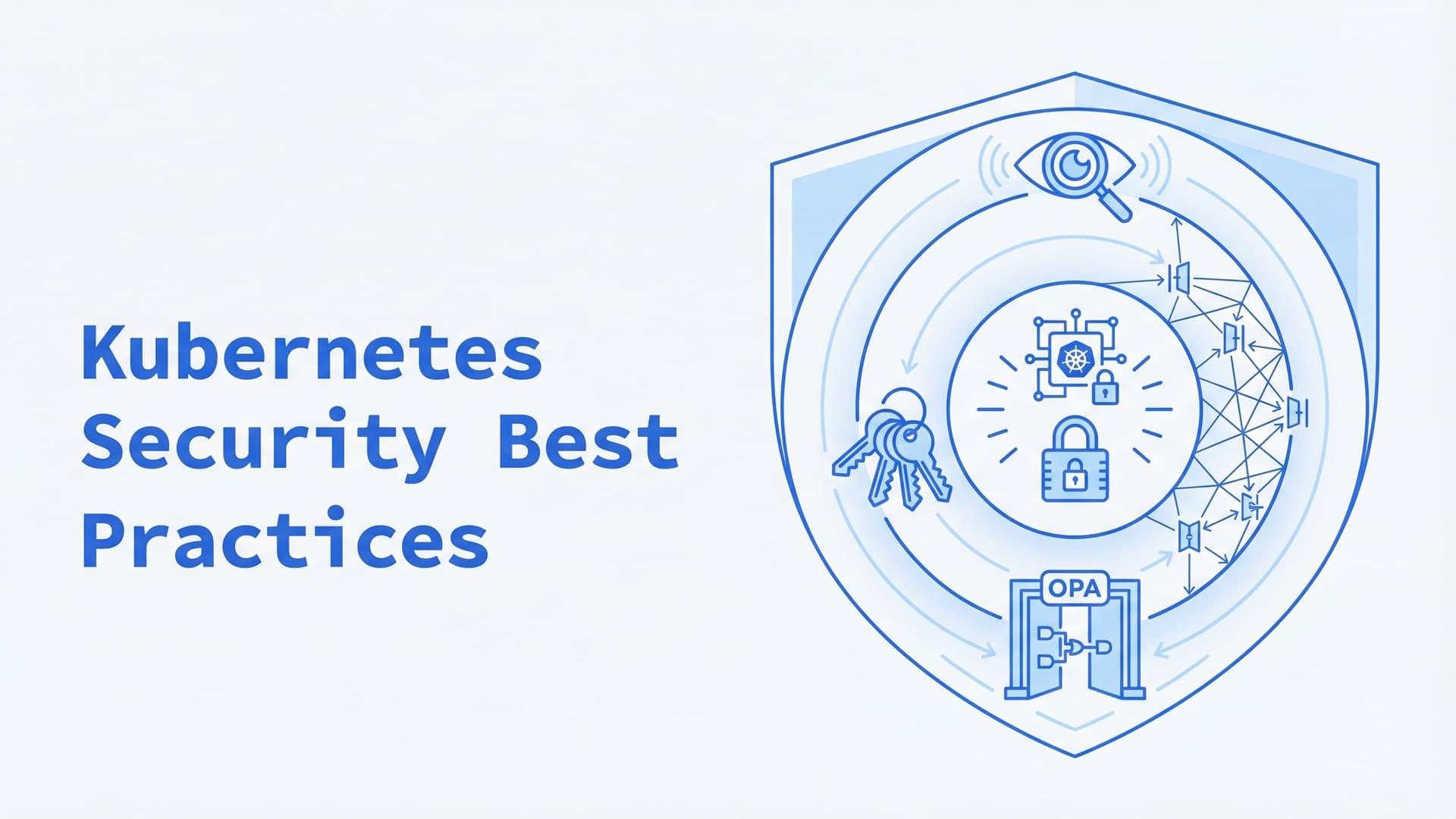
Kubernetes Security Best Practices: A 2026 Checklist
What is Kubernetes security?
Kubernetes security is the work of protecting three things: the control plane that runs the cluster, the workloads running on it, and the data and network paths between them. Kubernetes ships with most of the controls you need, but several are open by default:
- pods accept traffic from anywhere;
- Secrets sit in etcd unencrypted;
- containers run without a seccomp profile unless you set one.
Most of securing a cluster is turning those controls on in the right order, then adding a few tools for scanning, policy and runtime detection.
This checklist goes layer by layer, from the API server to upgrades. It reflects Kubernetes as of October 2026, when 1.37 is the current release.
The 4C's of Kubernetes security
The Kubernetes documentation used to describe security as four layers, the 4C's: Cloud, Clusters, Containers and Code. Each layer builds on the one outside it. Secure application code can't make up for an exposed cloud account or a wide-open cluster.
| Layer | What it covers |
|---|---|
| Cloud | The provider account, the network, firewalls and the nodes' operating system |
| Cluster | The API server, etcd, RBAC, admission control and network policies |
| Container | Images, runtime privileges and isolation |
| Code | The application, its dependencies, its secrets and its traffic |
The current docs organize the same ground by lifecycle phase instead: develop, distribute, deploy and runtime. Either way, most of the work below sits in the Cluster and Container layers, where Kubernetes gives you the controls.
Common Kubernetes security risks
| Risk | Fixed by item |
|---|---|
| Pods that accept traffic from anywhere | 13 |
| Secrets stored unencrypted in etcd | 4, 15 |
| Containers running as root, without a seccomp profile | 9, 10, 20 |
| RBAC rights broader than needed | 5–8 |
| Anonymous access to the kubelet | 3 |
| Unscanned or unsigned images | 17–19 |
| Kubernetes versions past their support window | 24, 25 |
Not sure which of these your clusters have? Our Kubernetes consulting team starts with read-only access and a written list of what to fix first.
How to secure a Kubernetes cluster, layer by layer
Control plane and API server
1. Keep the API server off the public internet. Put it behind a private endpoint, or allow only known IP ranges. Every other control on this list works better when an attacker can't reach the API at all.
2. Limit anonymous access to the API. The API server accepts anonymous requests by default (--anonymous-auth defaults to true), and RBAC then decides what they can do. Since Kubernetes 1.34, an AuthenticationConfiguration file can allow anonymous requests only to the health endpoints /livez, /readyz and /healthz, which load balancers and probes need.
3. Lock down the nodes and the kubelet. Every node runs a kubelet with its own API. How it behaves depends on how it is started:
- With command-line flags, it treats unauthenticated requests as anonymous and authorizes every request (
AlwaysAllow). - With a KubeletConfiguration file, the defaults are safe: anonymous access off, authorization delegated to the API server (
Webhook), and the unauthenticated read-only port disabled.
Check which one your nodes use. With flags, set --anonymous-auth=false, --authorization-mode=Webhook and --read-only-port=0. Keep the node operating system minimal and patched, and block pods from the cloud metadata API or use workload identity.
4. Encrypt etcd and keep it private. etcd holds every object in the cluster, Secrets included. Turn on encryption at rest with the KMS v2 provider, which has been stable since 1.29 and is among the providers the docs rate Strongest. The docs advise against aescbc because CBC is vulnerable to padding oracle attacks. On a self-managed cluster, check with etcdctl get /registry/secrets/default/<name> | hexdump -C: readable text means no encryption. Existing Secrets are encrypted only when rewritten:
kubectl get secrets --all-namespaces -o json | kubectl replace -f -
Managed services differ. Amazon EKS encrypts all Kubernetes API data with KMS v2 by default on 1.28 and later. Check what your provider does rather than assume. Keep etcd on a private network, reachable only by the API server over TLS.
Access control (RBAC)
5. Grant the least privilege that works. The RBAC good practices come down to four rules:
- grant rights per namespace with Roles and RoleBindings;
- avoid wildcards;
- use
cluster-adminonly where it is truly needed; - never add users to
system:masters, which bypasses RBAC entirely.
6. Sign people in through your identity provider. Use OIDC single sign-on for humans, so access ends when someone leaves the company. Keep static tokens and shared kubeconfig files out of daily use.
7. Give every workload its own service account. Don't let applications run as the namespace's default account. Set automountServiceAccountToken: false for pods that never call the Kubernetes API.
8. Review who can read Secrets and who can create pods. Read access to Secrets is the obvious risk. The less obvious one: anyone who can create a pod in a namespace can read every Secret in it by mounting it. Review both rights regularly.
Pod and container security
9. Enforce the Pod Security Standards. PodSecurityPolicy was removed in Kubernetes 1.25. Its replacement, Pod Security Admission, is built in and applies one of three levels per namespace: privileged, baseline or restricted. Start with only the warn and audit labels to see what would break, then add enforce. The end state:
apiVersion: v1
kind: Namespace
metadata:
  name: payments
  labels:
    pod-security.kubernetes.io/enforce: restricted
    pod-security.kubernetes.io/warn: restricted
    pod-security.kubernetes.io/audit: restricted
10. Set a security context on every container. The security context controls what a container's processes may do. Everything below except readOnlyRootFilesystem is required by the restricted level; a read-only root filesystem goes one step further.
securityContext:
  runAsNonRoot: true
  allowPrivilegeEscalation: false
  readOnlyRootFilesystem: true
  capabilities:
    drop: ["ALL"]
  seccompProfile:
    type: RuntimeDefault
11. Add admission policies for what the standards don't cover. Pod Security Admission checks pod settings only. Rules like "images must come from our registry" or "every deployment needs resource limits" need other tools:
- ValidatingAdmissionPolicy and MutatingAdmissionPolicy, built in and stable since 1.30 and 1.36, which write rules in CEL;
- a policy engine such as Kyverno or OPA Gatekeeper.
Our post on writing an admission controller shows how admission works under the hood.
12. Sandbox code you didn't write. Customer plugins, CI jobs and AI-generated scripts need stronger isolation. Run them under a RuntimeClass that points to a sandboxed runtime:
- gVisor puts a user-space kernel between the workload and the host;
- Kata Containers puts a lightweight virtual machine there.
Network
13. Deny all traffic by default, then allow what's needed. By default, pods accept traffic from anywhere and can send it anywhere. A NetworkPolicy that selects every pod and allows nothing flips that for a namespace:
apiVersion: networking.k8s.io/v1
kind: NetworkPolicy
metadata:
  name: default-deny
  namespace: payments
spec:
  podSelector: {}
  policyTypes: ["Ingress", "Egress"]
Then add policies for the flows you need, such as backend to database on port 5432, and DNS. Network policies only work with a network plugin that enforces them, such as Calico or Cilium. On a plugin without support, the objects exist and do nothing.
14. Encrypt traffic between services. Kubernetes doesn't encrypt traffic between pods on its own. A service mesh with mutual TLS, or your network plugin's encryption feature, covers it. Expose only the services that must be public, and terminate TLS at the edge.
Secrets
15. Keep Secrets out of reach. Kubernetes Secrets are base64-encoded, not encrypted. By default they are stored unencrypted in etcd, and anyone with API or etcd access can read them. To protect them:
- encrypt them at rest (item 4);
- restrict
get,listandwatchon Secrets through RBAC; - mount them only into the containers that need them;
- never bake secrets into images or commit them to Git.
16. Keep important credentials in an external store. The Secrets Store CSI Driver or the External Secrets Operator pulls secrets from Vault or your cloud's secret manager. That adds rotation and an audit trail.
Images and supply chain
17. Scan images before and after they ship. Use minimal base images. Scan them in CI and in the registry with a scanner such as Trivy, which also finds misconfigurations and leaked secrets. Pin images by digest, so the image you scanned is the image you run. Pin the scanner too: in March 2026 attackers published a malicious Trivy release and repointed the trivy-action tags, so reference CI actions by commit SHA.
18. Allow only trusted registries. Enforce it at admission with one of the policy tools from item 11, so a typo or a compromised chart can't pull an image from anywhere.
19. Sign images and verify the signatures. Sign images in CI with Sigstore's cosign and verify them at admission. Kyverno's image verification supports Cosign and Notary signatures.
Runtime
20. Restrict what containers can do while they run. Apply the RuntimeDefault seccomp profile everywhere: the kubelet's --seccomp-default flag, stable since 1.27, makes it the default for every pod on the node. Add AppArmor or SELinux profiles where you can.
21. Detect suspicious behavior. Runtime detection tools such as Falco and Tetragon watch system calls through eBPF and alert on things like a shell opened inside a container. Our Kubernetes runtime security guide covers seccomp, AppArmor, Falco and policy enforcement in detail.
Audit and monitoring
22. Turn on audit logging. The Kubernetes audit log records who did what through the API. A good policy:
- logs Secrets and ConfigMaps at the
Metadatalevel, as the example policy in the docs does, so their contents never reach the log; - logs changes to RBAC and workloads in more detail;
- skips noisy read-only traffic.
Auditing uses API server memory, so keep the policy tight, and ship the logs off the cluster.
23. Benchmark the cluster regularly. Two kinds of scan are worth running:
- kube-bench checks the cluster against the CIS Kubernetes Benchmark, which also has versions for EKS, AKS, GKE and OpenShift;
- a posture scanner such as Kubescape checks it against the NSA-CISA guidance, MITRE ATT&CK and CIS.
For a manual review, the NSA and CISA Kubernetes Hardening Guide and the OWASP Kubernetes Top 10 (2025) make good checklists.
Upgrades and components
24. Stay on a supported Kubernetes version. The project patches the three most recent minor releases, each for about a year. As of October 2026 that means 1.35 to 1.37, with 1.34 patched until October 27, 2026. After that, security fixes stop. On managed services, falling behind also costs money: EKS and GKE charge $0.60 an hour per cluster in extended support, against $0.10 in standard support.
25. Replace retired components. Add-ons age too. Ingress NGINX was retired in March 2026, and it gets no more releases or security fixes. Check whether you run it:
kubectl get pods --all-namespaces --selector app.kubernetes.io/name=ingress-nginx
If it is there, plan a move to Gateway API or another ingress controller. Our Kubernetes Ingress guide compares the two. Tools retire too: kube-hunter is no longer under active development, and its maintainers point to Trivy instead.
Kubernetes security tools
| Tool | What it does | Type | Checklist item |
|---|---|---|---|
| Pod Security Admission | Enforces the Pod Security Standards per namespace | Built into Kubernetes | 9 |
| ValidatingAdmissionPolicy | Custom admission rules written in CEL | Built into Kubernetes | 11 |
| Kyverno | Policy as code and image signature checks | Open source, CNCF graduated | 11, 18, 19 |
| OPA Gatekeeper | Admission policies written in Rego | Open source, part of the CNCF-graduated OPA project | 11, 18 |
| kube-bench | Checks a cluster against the CIS Kubernetes Benchmark | Open source, Aqua Security | 23 |
| Kubescape | Posture, misconfiguration and vulnerability scanning | Open source, CNCF incubating | 23 |
| Trivy | Image, configuration and secret scanning, SBOMs | Open source, Aqua Security | 17 |
| Falco | Runtime threat detection from system calls | Open source, CNCF graduated | 21 |
| Tetragon | eBPF security observability and runtime enforcement | Open source, part of the CNCF-graduated Cilium project | 20, 21 |
| Calico, Cilium | Network policy enforcement | Open source | 13 |
| cosign | Image signing and verification | Open source, Sigstore | 19 |
| External Secrets Operator | Syncs secrets from external stores | Open source | 16 |
Commercial platforms from Sysdig, Aqua Security, Wiz, ARMO and Palo Alto Networks bundle scanning, posture management and runtime detection behind one console. They save integration work. The open-source tools above cover the same ground if you have the people to run them.
If you'd rather not work through 25 items alone, our Kubernetes consulting team starts with read-only access and a written list of what to fix first. We harden the clusters; for a SOC 2 or ISO 27001 audit you still need an auditor.
Frequently Asked Questions
What are the four C's of Kubernetes security?
Cloud, Clusters, Containers and Code. It is a layered model the Kubernetes documentation used for cloud native security. Each layer depends on the one outside it, so secure code can't make up for an exposed cloud account or cluster. The current docs describe the same work by lifecycle phase: develop, distribute, deploy and runtime.
Is Kubernetes secure by default?
Partly. The building blocks are there, but several defaults are open: pods can talk to each other freely, Secrets are stored unencrypted in etcd, and containers run without a seccomp profile. Managed services close some of these gaps. Network policies, Pod Security Admission and tight RBAC are still your job.
What is a security context in Kubernetes?
A security context is a set of fields on a pod or container that limits what its processes can do. It covers the user they run as, whether they can gain more privileges, which Linux capabilities they keep, whether the root filesystem is read-only, and which seccomp and AppArmor profiles apply. Container settings override pod settings.
What replaced Pod Security Policies?
Pod Security Admission. PodSecurityPolicy was removed in Kubernetes 1.25. Pod Security Admission is built in and enforces the Pod Security Standards (privileged, baseline and restricted) per namespace through labels. For rules beyond the three levels, add ValidatingAdmissionPolicy, Kyverno or OPA Gatekeeper.
Are Kubernetes Secrets encrypted?
Not by default. Secrets are base64-encoded and stored unencrypted in etcd unless you configure encryption at rest. Some managed services, such as EKS on 1.28 and later, encrypt them for you. Encryption at rest doesn't stop people with API access, so limit who can read Secrets or create pods.
How do I check whether my Kubernetes cluster is secure?
Run kube-bench against the CIS Kubernetes Benchmark and a posture scanner such as Kubescape or Trivy. Then compare the results with the NSA/CISA Kubernetes Hardening Guide and the OWASP Kubernetes Top 10. Scanners catch misconfigurations. A manual review of RBAC, network policies and exposed endpoints catches what they miss.
What are examples of Kubernetes security hardening?
Common examples are disabling anonymous access to the kubelet, encrypting etcd and enforcing the restricted Pod Security Standard. Others are running containers as non-root with all capabilities dropped, denying network traffic by default, keeping the API server private, turning on audit logging and staying on a supported Kubernetes version.
Related Reading
Related posts
VictoriaMetrics vs Prometheus: Differences & When to Switch
VictoriaMetrics doesn't have to replace Prometheus. Compare storage, HA, MetricsQL, Enterprise features, Thanos, Mimir and migration, as of October 2026.
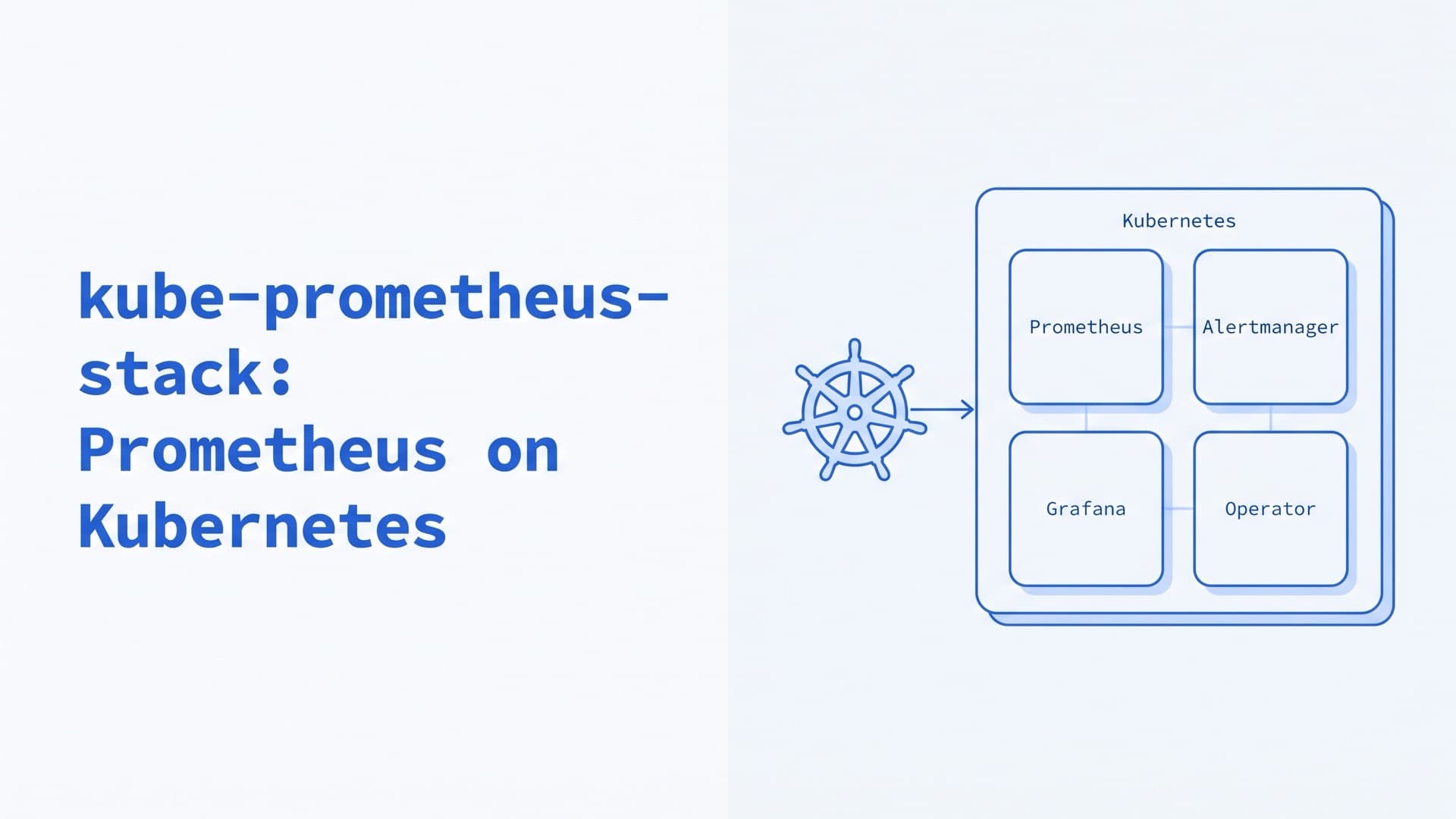
kube-prometheus-stack: Prometheus on Kubernetes
How to run kube-prometheus-stack and the Prometheus Operator in production: Helm values, ServiceMonitors, alerts, CRD upgrades, storage and remote_write.
Kubernetes on Bare Metal: On-Prem Setup and Day 2
How to run Kubernetes on bare metal and on-premise in 2026: provisioning, distributions, HA, load balancing, storage, upgrades, costs and our on-prem work.