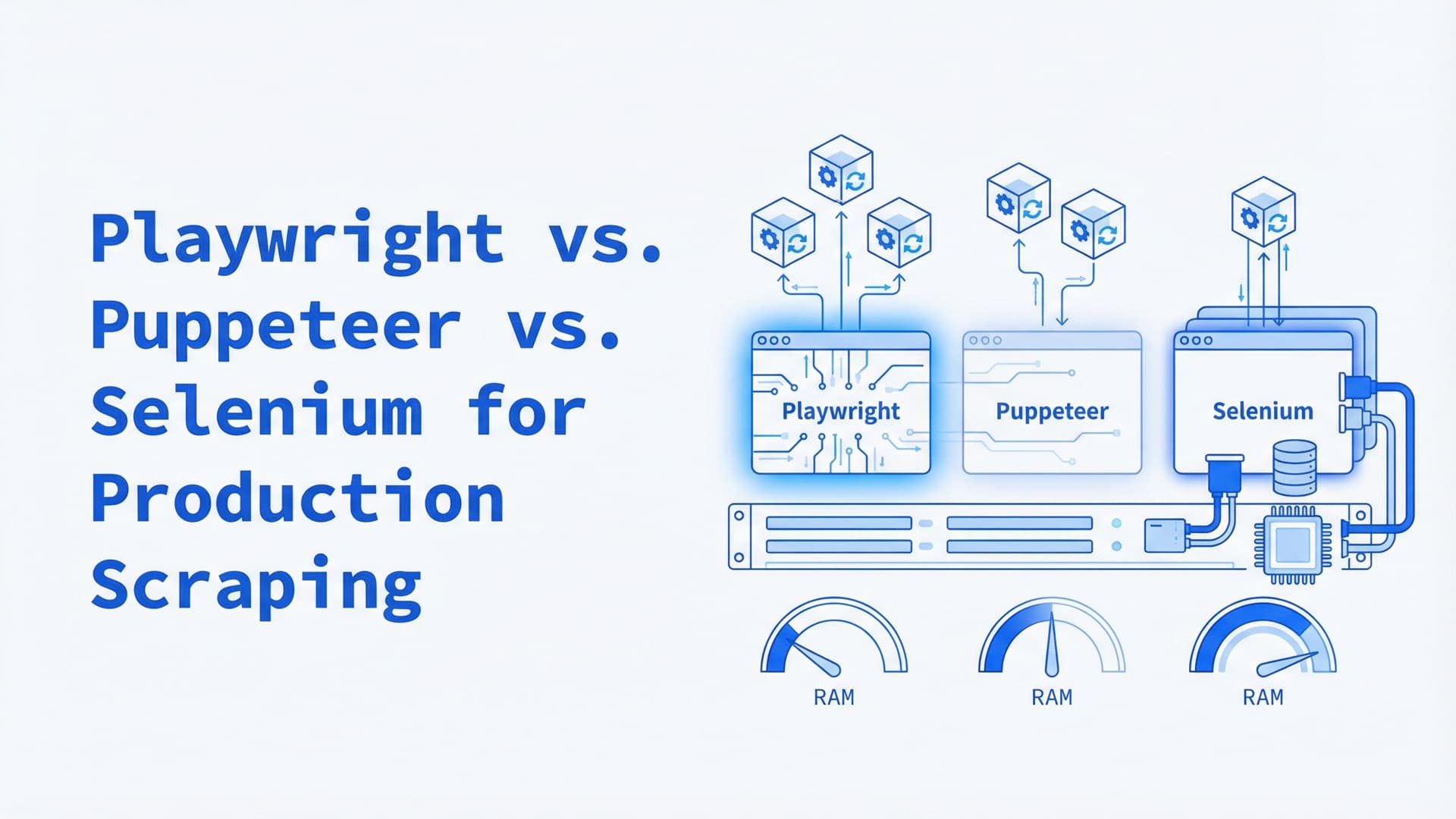
Playwright vs. Puppeteer vs. Selenium for Production Scraping: A 2026 Comparison
Every headless browser comparison you've read was tested on localhost against a site with no anti-bot protection.
That's not scraping. That's a demo.
We deploy Playwright and Puppeteer clusters on Kubernetes for teams running production scraping pipelines — 50 to 200 concurrent browser instances hitting targets defended by Cloudflare or DataDome, 24 hours a day. At that scale, the difference between frameworks isn't API ergonomics. It's the per-instance memory overhead multiplied by your concurrency target. We call this the Pod Tax: the compounding infrastructure cost each framework imposes when you go from one browser to one hundred.
Python dominates production scraping at 71.7%, with JavaScript at 17%. That single fact already narrows the decision — but the real filtering happens when you price out a cluster.
The Comparison Nobody Runs
Most comparison articles test three things: how fast the framework launches a browser, how the selector API feels, and whether it can take a screenshot. Useful for choosing a testing framework. Useless for choosing a scraping framework.
In production, the questions that matter are different:
- How much memory does each browser instance consume under sustained load?
- What happens when you run 100 of them in a Kubernetes namespace?
- Which stealth ecosystem actually evades modern anti-bot systems?
- How fast can a new pod start when the auto-scaler fires?
- What happens when a target blocks the tool's default fingerprint?
These questions require infrastructure data, not toy benchmarks.
Resource Consumption: Where the Pod Tax Lives
The Pod Tax shows up in three places: memory per instance, Docker image size (which affects cold-start time), and CPU under page rendering.
Memory per headless instance
Running Chromium headless with a moderately complex page (JavaScript-heavy SPA, 2–4 MB of scripts), typical ranges from community benchmarks and Docker stats monitoring:
| Framework | Memory per instance (typical) | Memory per instance (heavy pages) | |-----------|-------------------------------|-----------------------------------| | Puppeteer | 60–120 MB | 150–250 MB | | Playwright (Chromium) | 70–130 MB | 160–280 MB | | Selenium + ChromeDriver | 120–200 MB | 250–400 MB |
The gap is architectural. Puppeteer is a thin CDP wrapper — no WebDriver server, no protocol translation. Playwright adds its own browser server process that proxies commands, costing 10–30 MB per instance per the Playwright architecture documentation. Selenium stacks the highest: ChromeDriver runs as a separate process translating WebDriver wire protocol to CDP, with its own memory footprint on top of the browser — the Selenium team documents this model in the Grid architecture guide.
At one instance, nobody cares about 50 MB. At 100 instances, that's 5 GB — the difference between fitting on a single node or needing two.
Docker image sizes
Sizes from Docker Hub manifests and docker images output (April 2026):
| Framework | Base Docker image | With Chromium | |-----------|-------------------|---------------| | Puppeteer | ~400 MB | ~800 MB | | Playwright | ~500 MB | ~1.2 GB (all browsers) | | Playwright (Chromium only) | ~400 MB | ~850 MB | | Selenium standalone-chrome | ~300 MB | ~750 MB |
Playwright's default image ships with Chromium, Firefox, and WebKit — useful for cross-browser testing, unnecessary weight for scraping. Running playwright install chromium instead cuts the image to roughly Puppeteer's size. Selenium's standalone images from Docker Hub are well-optimized but less flexible for custom configurations.
Image size matters because Kubernetes pulls images on cold starts. On a cluster with 1 Gbps internal network, a 1.2 GB image pull takes roughly 10–15 seconds; on slower networks or shared registries, 20–30 seconds. When the horizontal pod autoscaler fires because queue depth spiked, those seconds mean missed pages.
CPU during rendering
All three frameworks consume similar CPU during page rendering — Chromium does the heavy lifting regardless of which library called it. The difference is inter-action overhead. Playwright's auto-wait polls the DOM between steps, trading a few percent more CPU for eliminating the manual retry loops that dominate poorly written Puppeteer scripts.
Selenium pays the most between actions. Each command round-trips through ChromeDriver's HTTP server — fast enough for a navigate-wait-extract loop, but on a workflow clicking through 50 pagination buttons, those round-trips compound into seconds of overhead that Playwright and Puppeteer don't have.
The Stealth Ecosystem in 2026
None of these frameworks are undetectable out of the box. All three leak automation signals that modern anti-bot systems catch in milliseconds.
What gets detected
The primary detection vector is the same across all three: the Runtime.Enable CDP command that Puppeteer and Playwright call during initialization. This single call tells anti-bot systems that an automation tool is connected to the browser. Rebrowser's engineering team documented this as the core detection signal — patching everything else (navigator.webdriver, Chrome runtime objects, user-agent strings) is futile if Runtime.Enable is still being called.
Selenium has its own signal: the ChromeDriver process injects $cdc_ variables into the page's JavaScript context. These are trivially detectable. Undetected-chromedriver patches the ChromeDriver binary to remove these variables, but the cat-and-mouse game continues — Cloudflare now detects undetected-chromedriver's specific patch patterns.
Stealth tools by framework (April 2026)
Selenium:
- undetected-chromedriver — patches ChromeDriver binary at runtime. Still works against basic protections. Fails against Cloudflare Bot Management and DataDome.
- SeleniumBase UC Mode — wraps undetected-chromedriver with human behavior simulation. The most maintained Selenium stealth option.
- nodriver — from the same developer as undetected-chromedriver. Eliminates WebDriver entirely by connecting directly to Chrome via CDP. Technically not Selenium anymore — it's its own tool.
Puppeteer:
- puppeteer-extra-plugin-stealth — discontinued as effective against Cloudflare in February 2025. Cloudflare updated their detection to specifically identify its patch patterns. Still works against less sophisticated protections.
- rebrowser-puppeteer — patched Puppeteer fork that eliminates the
Runtime.Enableleak. The current best option for Puppeteer-based stealth.
Playwright:
- playwright-extra + stealth plugin — Node.js only. Same evasion approach as puppeteer-stealth, with the same limitations.
- patchright — patched Playwright fork for Python. Removes CDP leak, patches navigator.webdriver and WebRTC. Currently the most active Playwright stealth project.
- Camoufox — hardened Firefox fork that randomizes canvas, WebGL, fonts, and navigator properties. Not Playwright per se, but integrates with Playwright's Firefox support.
The Stealth Snapshot Problem
Any stealth comparison is a snapshot, not a verdict. DataDome collects 35+ behavioral signals per session — mouse movement, scroll velocity, typing cadence, click coordinates. Even with a perfect browser fingerprint, machine-like behavior triggers detection. Puppeteer-stealth went from "works everywhere" to deprecated against Cloudflare within weeks of a detection update in February 2025.
Choose the framework with the most active stealth ecosystem, because it will need patching. Today, that's Playwright (patchright + Camoufox) for Python and rebrowser-puppeteer for Node.js. Tomorrow, the ranking may change.
Language and Ecosystem
Scraping teams overwhelmingly write Python. The Apify/Browserless industry survey puts Python at 71.7% of practitioners, with JavaScript at 17%.
| Feature | Playwright | Puppeteer | Selenium | |---------|-----------|-----------|----------| | Python | Yes (official) | No | Yes (official) | | Node.js | Yes (official) | Yes (official) | Yes (official) | | Java | Yes (official) | No | Yes (official) | | .NET | Yes (official) | No | Yes (official) | | Async Python | Yes (native) | N/A | No (sync only) | | Crawler integration | Crawlee (Node + Python) | Crawlee (Node) | Scrapy (via middleware) |
Playwright is the only framework with official, first-party support across all four major languages plus native async Python. For teams that prototype in Python and ship in TypeScript (common in data engineering), Playwright's API is identical across both — same method names, same patterns.
Selenium's Python API works but is synchronous. For scraping workloads that manage 50+ concurrent sessions, this means threading or multiprocessing instead of asyncio. It works, but the code is harder to debug and the overhead is higher.
Puppeteer's Node.js-only limitation is increasingly a problem as Python's dominance in scraping grows. Teams that hire Python data engineers don't want to maintain a Node.js scraping service.
Kubernetes Deployment Patterns
This is where the framework choice has the most direct infrastructure impact.
Playwright in K8s
Playwright's Docker images ship with bundled browser binaries — no external dependencies to pull at runtime. The deployment pattern: a Deployment with resource requests pinned to actual usage (typically 0.5–1 CPU and 512 MB–1 GB RAM per pod), a Horizontal Pod Autoscaler watching a Redis queue depth metric, and --ipc=host or /dev/shm volume to prevent Chromium crashes from shared memory exhaustion.
The critical configuration: set --disable-dev-shm-usage on the Chromium launch args, or mount a /dev/shm tmpfs volume. Without this, Chromium writes to /dev/shm which defaults to 64 MB in Docker, causing silent crashes at scale.
Puppeteer in K8s
Same pattern as Playwright for Chromium workloads. The smaller image size gives Puppeteer a slight edge on cold-start time. Browserless offers a managed headless Chrome service that speaks Puppeteer's CDP protocol — teams can offload browser management entirely by pointing Puppeteer at a remote WebSocket endpoint instead of launching local browsers.
Selenium Grid on K8s
Selenium Grid 4 was built with Kubernetes in mind. The official Helm chart deploys Hub + Node topology with auto-scaling browser nodes. Each browser type (Chrome, Firefox, Edge) runs in its own node pool. The Grid handles session routing, queue management, and node health checks.
Grid's strength is multi-browser orchestration — if targets fingerprint browser type and you need to rotate between Chrome, Firefox, and Edge, Grid handles this natively. No other framework has equivalent built-in session routing across browser types.
The trade-off is architectural: the Hub adds a routing hop that increases latency and creates a single point of failure requiring HA configuration. Playwright achieves the same multi-browser coverage by launching different browser types in separate pods, but you build the routing logic yourself.
The "Starved Pods" Problem
The failure mode that catches every team scaling headless browsers in Kubernetes: resource starvation. When CPU or memory limits are set too tight, headless Chromium doesn't crash cleanly — it degrades. Pages load partially. JavaScript execution stalls. Navigation timeouts cascade. The scraper produces garbage data without throwing errors. A DevOps.dev analysis of Playwright K8s deployments documented this as "starved pods do terrible things under headless browsers," and that phrase understates the problem.
We set resource requests to observed P95 usage, not averages. We run dedicated node pools for browser workloads. And the readiness probe that matters loads a real test page — verifying the browser actually renders, not just that the process is running.
The Decision Matrix
Only one of these is a clean default. The other two are situational.
No JavaScript rendering required? Skip the headless browser. curl_cffi with browser TLS impersonation handles HTTP requests at 5–10 MB per request versus 60–130 MB for a browser instance. If the data is in the initial HTML response, the Pod Tax drops to near zero.
New Python project, no legacy constraints? Playwright. Native async, auto-wait, multi-browser, largest stealth ecosystem (patchright, Camoufox). The 71.7% of scraping teams writing Python have a default for a reason.
Existing Puppeteer code in a Node.js stack is a different calculus. The migration cost to Playwright is real and the per-instance performance delta is small — 10–30 MB of memory and negligible CPU. Upgrade to rebrowser-puppeteer for stealth and consider Browserless for managed browser infrastructure rather than rewriting working extraction logic.
Selenium Grid still earns its place when you need multi-browser rotation across Chrome, Firefox, and Edge. The K8s Helm chart is production-tested, and Grid handles session routing that you'd have to build yourself on Playwright. Migrate only when Grid's maintenance overhead or Selenium's detection rate forces the question.
What This Comparison Cannot Tell You
Whether a specific framework will evade a specific target's anti-bot system next month. Cloudflare, DataDome, and PerimeterX update their detection models continuously. The Playwright script that works today may be blocked tomorrow — not because of a framework flaw, but because the target upgraded from Cloudflare Business to Enterprise.
The framework determines your Pod Tax, your language options, and your stealth ecosystem. The proxy infrastructure, TLS fingerprint, and behavioral pattern determine whether you get through.
When a scraping pipeline breaks, the framework is the last thing you change. The Pod Tax is the first thing you should have calculated.
Need help scaling headless browsers in production? Talk to an engineer — we deploy Playwright and Puppeteer clusters on Kubernetes for teams that have outgrown single-instance scrapers.
Frequently Asked Questions
Which headless browser is best for web scraping in 2026?
Playwright is the default choice for new scraping projects. It supports Python, Node.js, Java, and .NET with native async, includes auto-wait for element readiness, and has the most active stealth ecosystem through patchright and Camoufox. For Node.js-only teams with existing code, Puppeteer remains lighter and faster per instance.
How much memory does a headless browser use per instance?
A single headless Chromium instance typically consumes 60–130 MB on moderately complex pages, rising to 150–400 MB on heavy JavaScript SPAs. Puppeteer is lightest at 60–120 MB (thin CDP wrapper). Playwright adds 10–30 MB for its browser server process. Selenium adds 40–80 MB for the ChromeDriver translation layer.
Can Playwright, Puppeteer, or Selenium bypass Cloudflare?
Not out of the box. All three frameworks leak detectable automation signals — primarily the Runtime.Enable CDP call that anti-bot systems identify in milliseconds. Patched forks like patchright (Playwright) and rebrowser-puppeteer (Puppeteer) remove this signal. Effectiveness changes monthly as Cloudflare updates detection models.
How do you deploy Playwright on Kubernetes?
Use Playwright's official Docker images with bundled browsers. Set resource requests to 0.5–1 CPU and 512 MB–1 GB RAM per pod. Mount a /dev/shm tmpfs volume or pass --disable-dev-shm-usage to Chromium to prevent shared memory crashes. Use a Horizontal Pod Autoscaler watching queue depth to scale browser pods dynamically.
Is Selenium still relevant for web scraping in 2026?
Yes, specifically for teams that need multi-browser rotation (Chrome, Firefox, Edge) through Selenium Grid's native orchestration. Selenium Grid 4's Kubernetes Helm chart is production-tested. However, Selenium carries the highest per-instance resource overhead and the weakest stealth ecosystem. For new projects without existing Selenium infrastructure, Playwright is the stronger choice.
Related posts
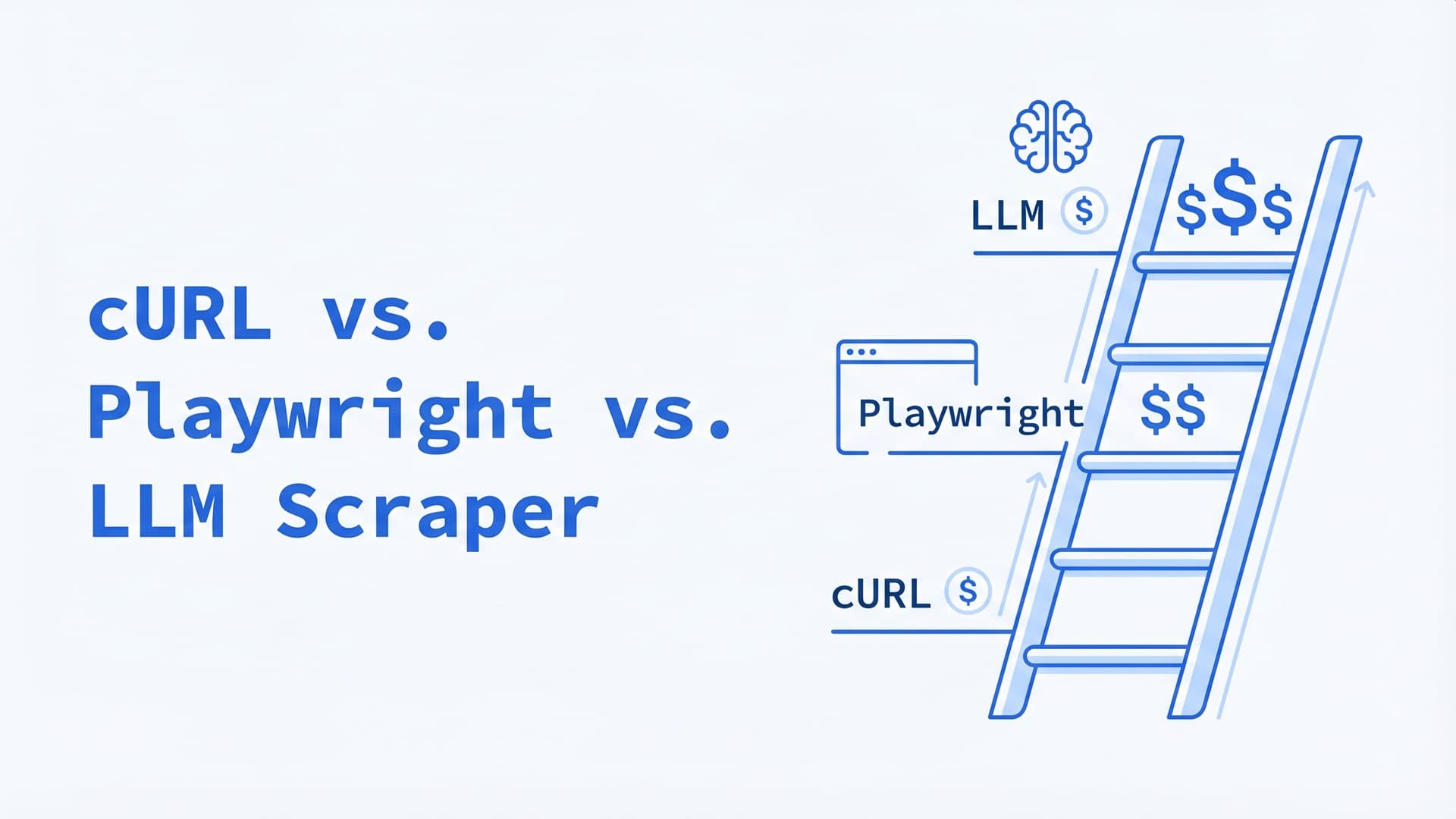
cURL vs. Playwright vs. LLM Scraper: A Decision Tree for 2026
Same scraping job costs $5, $150, or $6,000/month depending on the tool you pick. A 4-step decision tree for choosing between HTTP clients, headless browsers, and LLM-native scrapers in production.
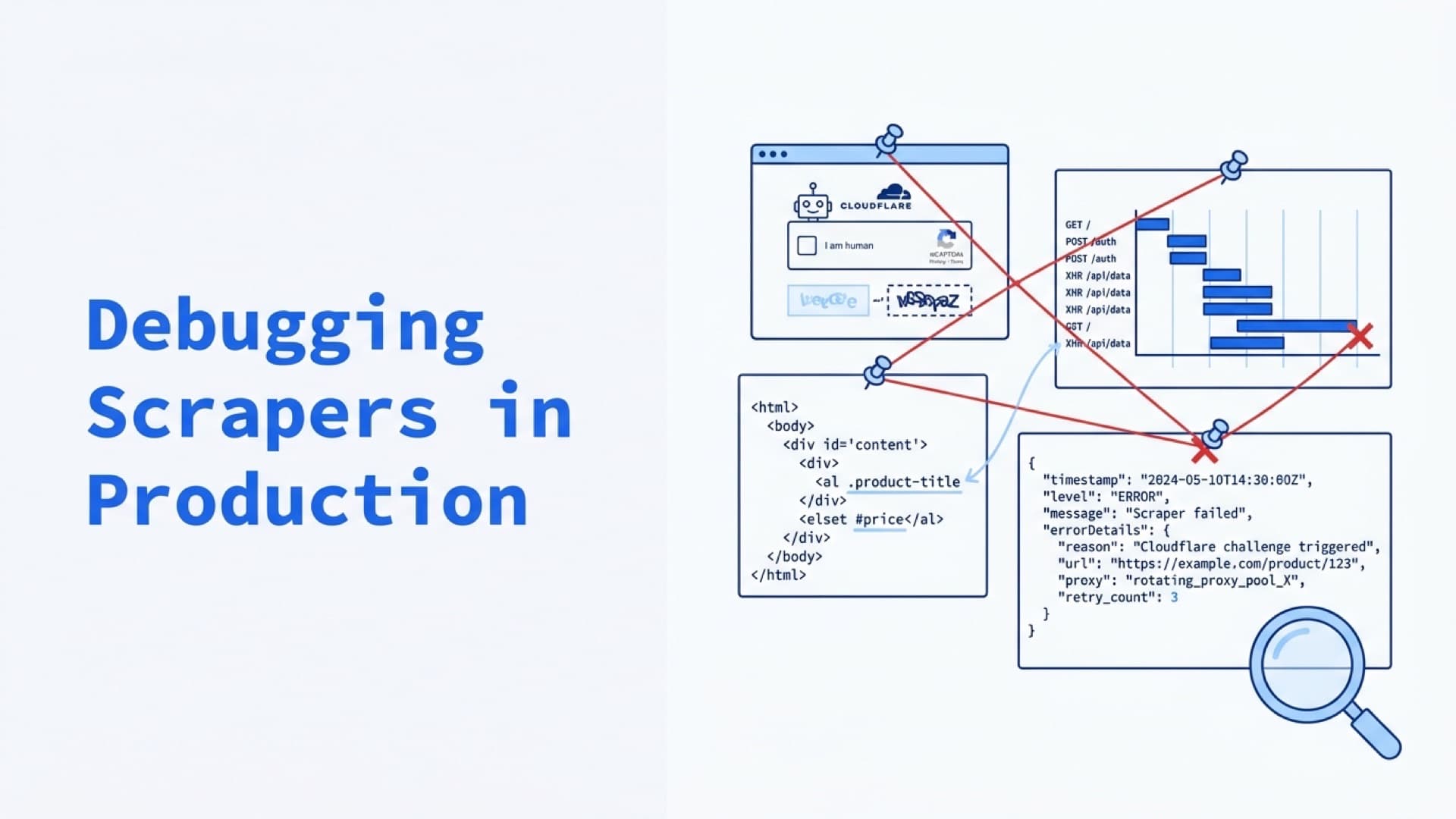
Debugging Scrapers in Production: Logs, Screenshots, Video Replay, and Failure Forensics
Status codes aren't evidence. Screenshots, DOM snapshots, Playwright traces, and structured logs are. The Evidence Bundle pattern for turning scraper failures from hours of investigation into dashboard queries.
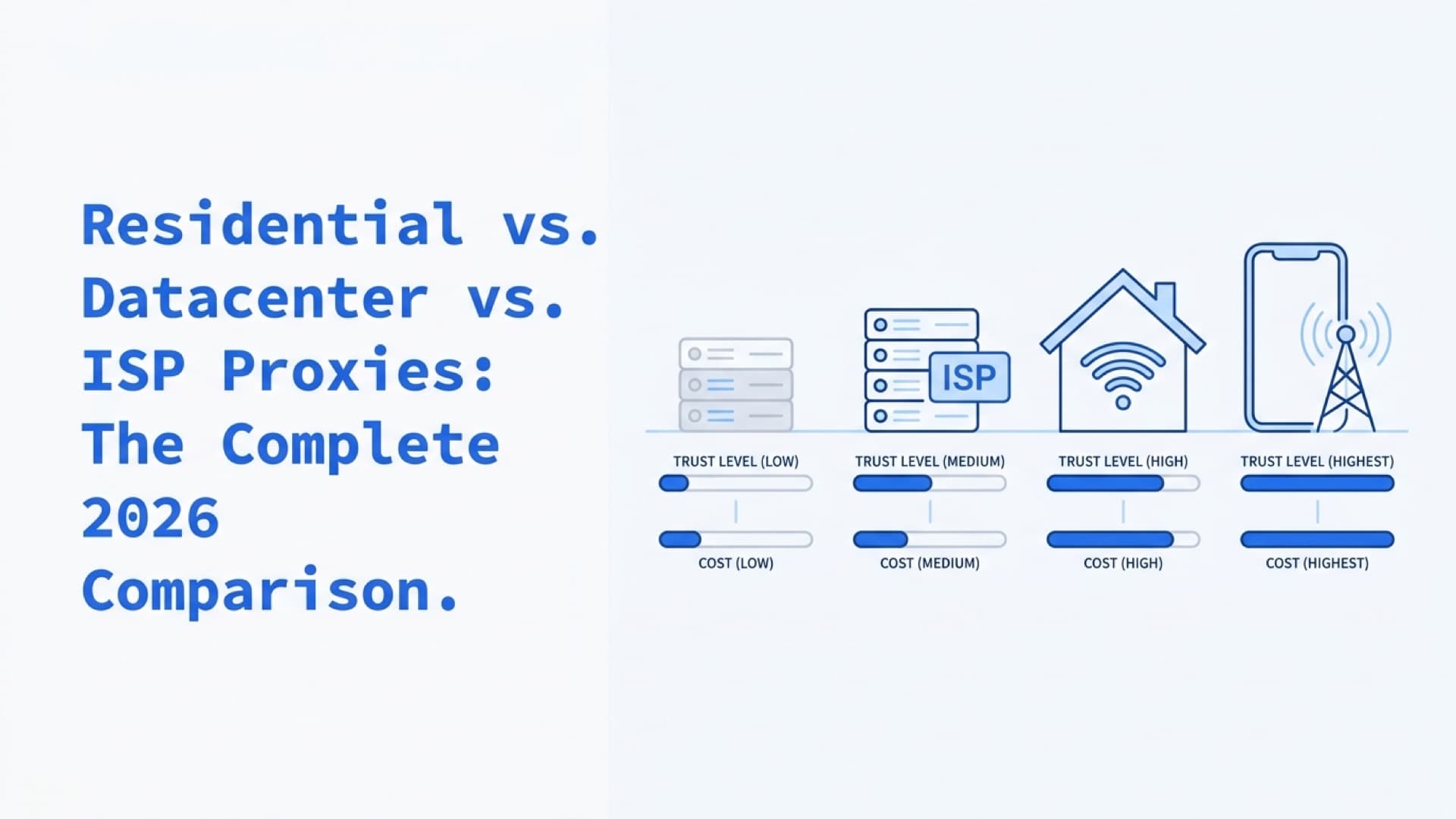
Residential vs. Datacenter vs. ISP Proxies: The Complete 2026 Comparison
Datacenter proxies hit 59.80% success on protected targets. Residential hit 94.30%. ISP proxies land at 89.34% with datacenter speed. Here's when each type wins and what it actually costs per successful request.