Structured Data Extraction: JSON-LD, Schema.org, and When to Use LLMs
A team builds a product scraper for 50 e-commerce sites. They write CSS selectors for .product-title, .price-current, .rating-value on each site. Thirty days later, half the sites have changed layouts. The extractor returns null for the new DOM classes. The maintenance backlog becomes permanent.
They never checked for JSON-LD. Most of those same sites ship full product schemas in <script type="application/ld+json"> tags — title, price, availability, reviews, brand — ready to parse. Shopify, WooCommerce, BigCommerce, Salesforce Commerce Cloud all emit Product schema by default. The data was free, and the team built a custom extractor for it anyway.
Call this the Free Lunch Check: the first move on any extraction task is verifying that the data isn't already sitting in the page in structured form. If it is, you skip CSS selectors, skip XPath, skip regex, skip LLMs — you extract a dict from JSON-LD and move on.
We design extraction pipelines for teams pulling product, pricing, review, and content data from hundreds of sources. The extraction strategy we deploy is rarely the one teams start with. The cheapest wins the most often.
The Extraction Ladder
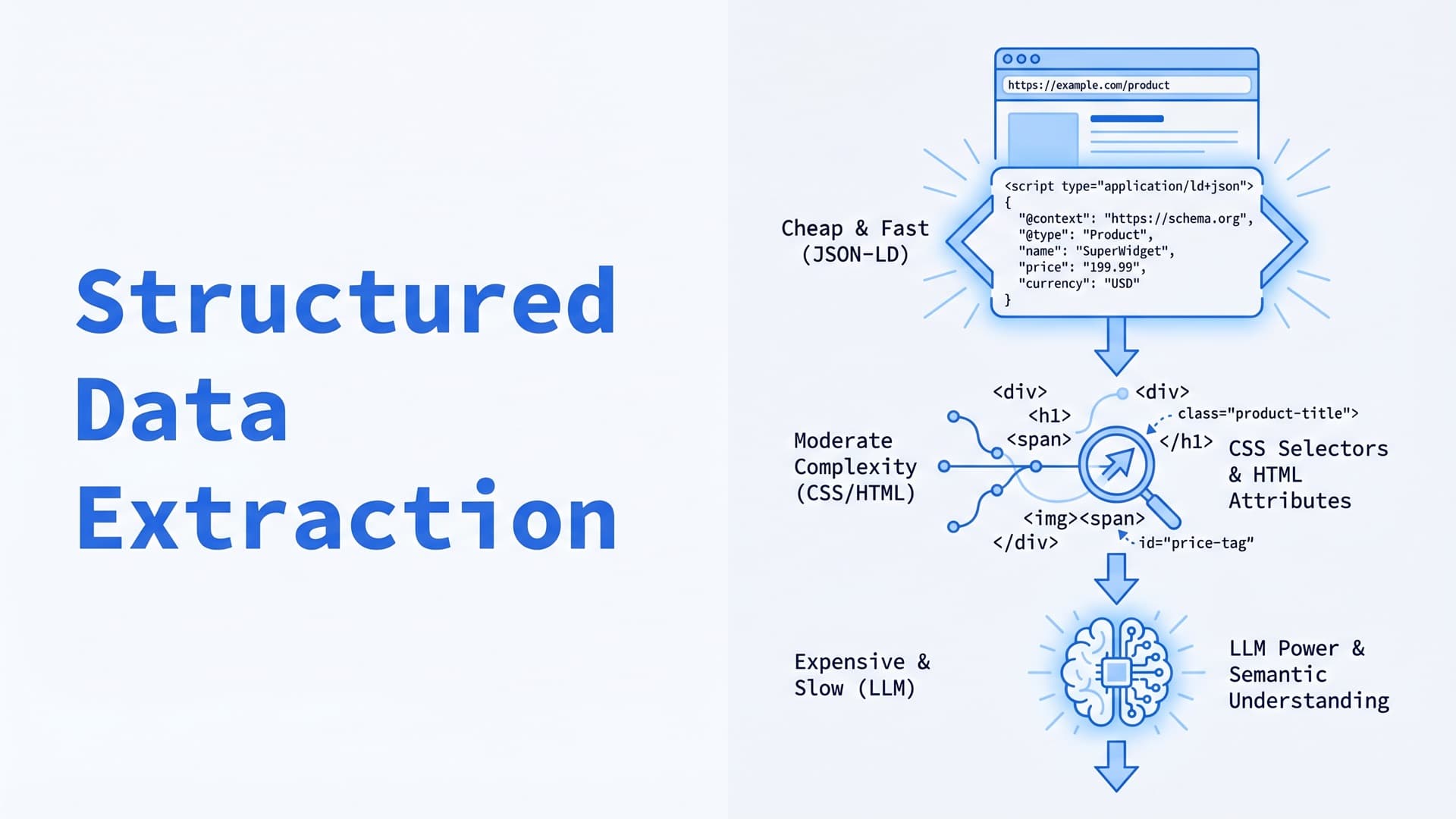
Three strategies stack by cost and reliability. Like the Rendering Ladder for scrapers, you should pick the lowest rung that produces correct output.
Rung 1: Parse embedded structured data
JSON-LD, Microdata, RDFa, OpenGraph. Schema.org defines hundreds of types covering Product, Article, Event, Organization, Review, FAQPage, Recipe, VideoObject, and dozens more. The full type hierarchy is the catalog of what's available.
Most modern CMSes emit structured data automatically. Shopify, WordPress with Yoast or Rank Math, WooCommerce, and Magento all ship Product and Organization schema by default. Google's Rich Results Test ranks sites' SEO performance partly by schema completeness, which creates a strong incentive for sites to publish complete, accurate schema.
The tool to check is extruct:
import extruct
import requests

html = requests.get("https://shop.example.com/product/123").text
data = extruct.extract(html, base_url="https://shop.example.com/product/123")

product = next(
    (item for item in data.get("json-ld", []) if item.get("@type") == "Product"),
    None
)
One call pulls JSON-LD, Microdata, RDFa, OpenGraph, Microformats, and Dublin Core from any HTML. For Product pages, that usually returns a dict with name, offers.price, aggregateRating.ratingValue, brand.name, image, description. For Articles, headline, author, datePublished, articleBody. No selectors, no maintenance, no schema drift.
Coverage reality: Structured data adoption is uneven. Large marketplaces (Amazon, Walmart, Target) ship JSON-LD and/or Microdata on product pages — inspect any product page source and grep for application/ld+json to confirm. Article-heavy publishers running Yoast, Rank Math, or equivalent SEO plugins ship NewsArticle or Article schema at near-universal coverage. Smaller independent stores on custom stacks often ship nothing. Budget on the assumption that 30–50% of pages in a heterogeneous target set will have usable schema; the rest fall through to Rung 2.
Failure modes: Partial schemas are common — a page might ship name and offers.price but omit brand or aggregateRating. Stale schemas happen when the structured data is generated from a template that hasn't been updated. Validate every field you extract; don't assume the schema is complete just because the script tag is present.
Rung 2: DOM parsing with selectors
CSS selectors or XPath against the parsed HTML tree — the default for pages without embedded structured data. Python has three parsers worth knowing:
- BeautifulSoup4 — easiest API, slow for high volume. Fine below 10K pages/day.
- lxml — C-accelerated, order of magnitude faster than BS4. Standard for Scrapy and production pipelines.
- selectolax — Python binding for the Modest/Lexbor parsers. 10–100x faster than BS4 on CSS selector extraction. Recommended when parsing millions of pages.
Node.js teams use cheerio for jQuery-style API on server-side HTML, or jsdom when full DOM simulation matters.
from selectolax.parser import HTMLParser

tree = HTMLParser(html)
title = tree.css_first('h1.product-title').text(strip=True)
price = tree.css_first('[data-price]').attributes.get('data-price')
The parser isn't the bottleneck.
Rung 2's real cost is selector-per-target maintenance. From our extraction pipelines on e-commerce targets with frequent layout changes, 15–25% of CSS selectors need touching each month; stable legacy catalog sites trend toward 5% or lower. For a pipeline covering 100 active e-commerce targets, that's 15–25 fixes per month — effectively one engineer-week absorbed as maintenance.
Mitigations:
- Write selectors to target stable attributes (
data-*attributes set for analytics rarely change, unlike CSS class names) - Maintain selectors in a per-target config file, not inline in extraction code, so fixes don't require code review
- Monitor extraction success rate per target; alert when a single target's rate drops below 90%, don't wait for the quarterly rebuild
Rung 3: LLM extraction
For pages where structured data is absent and selectors break fast, LLM extraction trades reliability for lower maintenance. Two architectures, covered in our decision tree for scraping tools:
Pipeline LLM extractors — Firecrawl, Crawl4AI. Fetch HTML, clean it to Markdown, pass through an LLM call with a Pydantic schema. The LLM produces structured JSON matching your schema.
Agent LLM extractors — ScrapeGraphAI, Browser Use, AgentQL. An agent navigates the page and extracts data using natural-language instructions. More powerful for complex workflows (multi-step forms, search-and-extract), more expensive, and lower reliability.
Cost: $0.005–$0.02 per extraction on modern models (Claude Sonnet 4.6, GPT-4o mini) for simple schemas. Reasoning models like GPT-5 and Opus 4.7 run 3–5x that. At 10,000 extractions per day, pipeline LLM runs $500–$2,000/month; agent LLM $1,500–$6,000/month.
When LLM extraction actually wins:
- Heterogeneous long tail. 500 news sources with 500 different layouts, where writing selectors for each is prohibitive.
- Unstable layouts. Ecommerce sites A/B testing their DOM weekly, where selector maintenance eats the team's time.
- Ambiguous content. Review text that needs sentiment extraction, product descriptions that need feature enumeration — genuine interpretation tasks CSS selectors can't do.
- Low-volume, high-variability targets. One-off enrichment jobs where selector maintenance would outweigh the LLM bill.
When it loses: paying Stagehand or Browser Use $0.01 per page × 100K pages/day is $30,000/month to replace an engineer-week of selector maintenance.
The Decision Framework
Run these checks in order on any new extraction target:
-
Does the page ship JSON-LD, Microdata, or OpenGraph with the fields you need? (Run
extruct.extract()once.) If yes → Rung 1. Extract the dict, move on. -
Are the fields in the initial HTML with stable identifiers? Load the page, inspect the DOM. If yes → Rung 2. Write selectors, deploy, monitor for drift.
-
Is the page layout heterogeneous across the target set, or does it change weekly? If yes → Rung 3. Pay the LLM tax in exchange for prompt-based extraction that survives layout drift.
Most production pipelines end up as a hybrid. The orchestration pattern we deploy: try Rung 1 first. If no schema present or fields incomplete, fall to Rung 2. If selector extraction returns null or validation fails, fall to Rung 3. Log which rung succeeded — it's the feedback signal that tells you when schema coverage is changing across targets.
Validation Is Not Optional
Every extracted record needs post-validation before it hits the pipeline. The consistent failure mode across audits: extractor returns a value, the value is semantically wrong, the pipeline accepts it, data quality degrades silently. Three common traps look different on the surface but fail the same way:
Schema drift. A site that shipped offers.price yesterday ships offers.priceSpecification.price today. The extractor falls through the first path, returns null, the record gets a null price. The fix is structural — assert required fields are populated with non-null, non-empty values before writing, and alert when null rates jump.
Currency and unit confusion is subtler. JSON-LD Product schema requires priceCurrency on offers, but many sites omit it entirely. A pipeline that assumes USD and pulls euros from German or French sites writes €-denominated values into a warehouse where downstream queries assume USD — analytics and pricing dashboards show systematically inflated numbers for the EU catalog until someone runs a sanity check on the exchange rate. Defense: currency is a required field; records without it fail validation and land in the DLQ.
LLM hallucination is the loudest failure. Ask an LLM to extract a product price from a cart summary page, and it can return the shipping line item — $9.99 when the product is $299. The agent is confident. The schema accepts the number. The pipeline writes a decimal-order-of-magnitude error. Defense stacks three layers: Pydantic validation with numeric bounds (Decimal, gt=0, lt=100000), per-category sanity ranges (a watch priced at $3 is wrong), and regex post-validation on structured formats (SKU regex, UPC checksum, currency code whitelist).
Pydantic is the standard validator in Python scraping stacks. Define the target schema, instantiate the model with the extracted dict, catch ValidationError, route failures to the dead-letter queue for human review.
from pydantic import BaseModel, Field, ValidationError
from decimal import Decimal

class Product(BaseModel):
    name: str = Field(min_length=1)
    price: Decimal = Field(gt=0, lt=1_000_000)
    currency: str = Field(pattern=r"^[A-Z]{3}$")
    brand: str | None = None
    rating: float | None = Field(default=None, ge=0, le=5)

try:
    product = Product(**extracted_data)
except ValidationError as e:
    dead_letter_queue.push({"error": str(e), "raw": extracted_data})
Validation isn't a performance cost. It's the difference between noticing schema drift in 15 minutes versus 15 weeks.
Image and PDF Extraction: The Forgotten Layer
Not every extraction target is HTML. Price tags photographed on product shelves, scanned receipts, vendor PDF invoices — all need structured data pulled from pixels, not DOM nodes. The extraction ladder has different rungs here.
OCR + layout analysis is the foundation. Tesseract handles simple scans. PaddleOCR wins on multilingual documents. AWS Textract and Google Document AI target structured documents — invoices and receipts with expected fields and forms. Output is raw text plus bounding boxes.
hOCR format. HTML-like output from OCR engines with text positions preserved. Useful when you need to correlate extracted text with image regions — price labels overlaid on product photos, table cells in PDF scans.
Multimodal LLM extraction. Claude Opus 4.7, GPT-5, Gemini 2.5 Pro can read images directly and output structured JSON. Costs more per call than text LLM extraction but replaces the OCR + parsing pipeline with a single step. Best for low-volume, high-variability documents (one-off invoice batches, diverse receipt formats) where tuning OCR per document type would take longer than the LLM run.
The decision rule mirrors the HTML ladder: if the document has a predictable layout (standardized invoices, structured receipts), OCR + template wins on cost. If layouts vary (100 different vendor invoice formats), multimodal LLMs win on engineering time.
Need help designing an extraction pipeline? Talk to an engineer — we build structured data extraction systems that route targets through JSON-LD, selectors, and LLM layers based on what actually works per target.
What This Framework Cannot Tell You
Whether a specific target's JSON-LD matches its rendered DOM. Sites occasionally ship stale structured data — the JSON-LD says price is $49.99, the rendered page shows $39.99 because the price was updated in the database but not in the cached template. Always cross-check at least one extracted field against what a user would see.
Whether your LLM extractor's prompts will survive the next model upgrade. Prompts that produce clean JSON output on one model version occasionally produce slightly different structure on the next — additional explanation text, different null handling, shifted field names. Pin model versions in production extraction pipelines, not just claude-latest, and rerun a sample validation set on every model bump before rolling forward.
JSON-LD ships with the page. Selectors ship with the bill.
Frequently Asked Questions
What's the fastest way to extract product data from a website?
Check for JSON-LD first using a library like extruct. Most e-commerce platforms (Shopify, WooCommerce, Magento) emit Product schema in <script type="application/ld+json"> tags by default, including name, price, availability, brand, and rating. One Python call parses it. This is 10–100x cheaper than building CSS selectors or using an LLM extractor for the same data.
When should I use an LLM to extract structured data from web pages?
Use LLM extraction (Firecrawl, Crawl4AI, ScrapeGraphAI) when the target set is heterogeneous (hundreds of different layouts), layouts change weekly, or content requires interpretation beyond selection (sentiment, feature enumeration). LLM extraction costs $0.005–$0.02 per call — too expensive for stable high-volume targets where CSS selectors work, but cheaper than engineer-weeks of selector maintenance on unstable ones.
What is JSON-LD and how do scrapers use it?
JSON-LD (JSON for Linked Data) is a W3C format for embedding structured data in HTML pages, typically inside <script type="application/ld+json"> tags. It encodes Schema.org types — Product, Article, Organization, Event — as JSON objects. Scrapers use it because it's machine-readable by design: extract the JSON, parse it, get clean structured fields without CSS selectors or regex.
How do I validate extracted data from web scrapers?
Use a schema validator like Pydantic (Python) or Zod (TypeScript) with required fields, type constraints, and numeric bounds. Validate every record before writing to the pipeline. Route validation failures to a dead-letter queue for review. Common checks: non-null required fields, numeric price bounds (e.g., price above zero and under $100,000), currency code whitelist, SKU regex, URL format.
What tools extract all structured data formats from HTML in Python?
The extruct library from Scrapinghub parses JSON-LD, Microdata, RDFa, OpenGraph, Microformats, and Dublin Core in a single call. It's the standard tool for pulling all embedded structured data from a page without writing per-format parsers. Pair with selectolax or lxml when the page doesn't ship structured data and you need fast CSS selector extraction.
Related posts
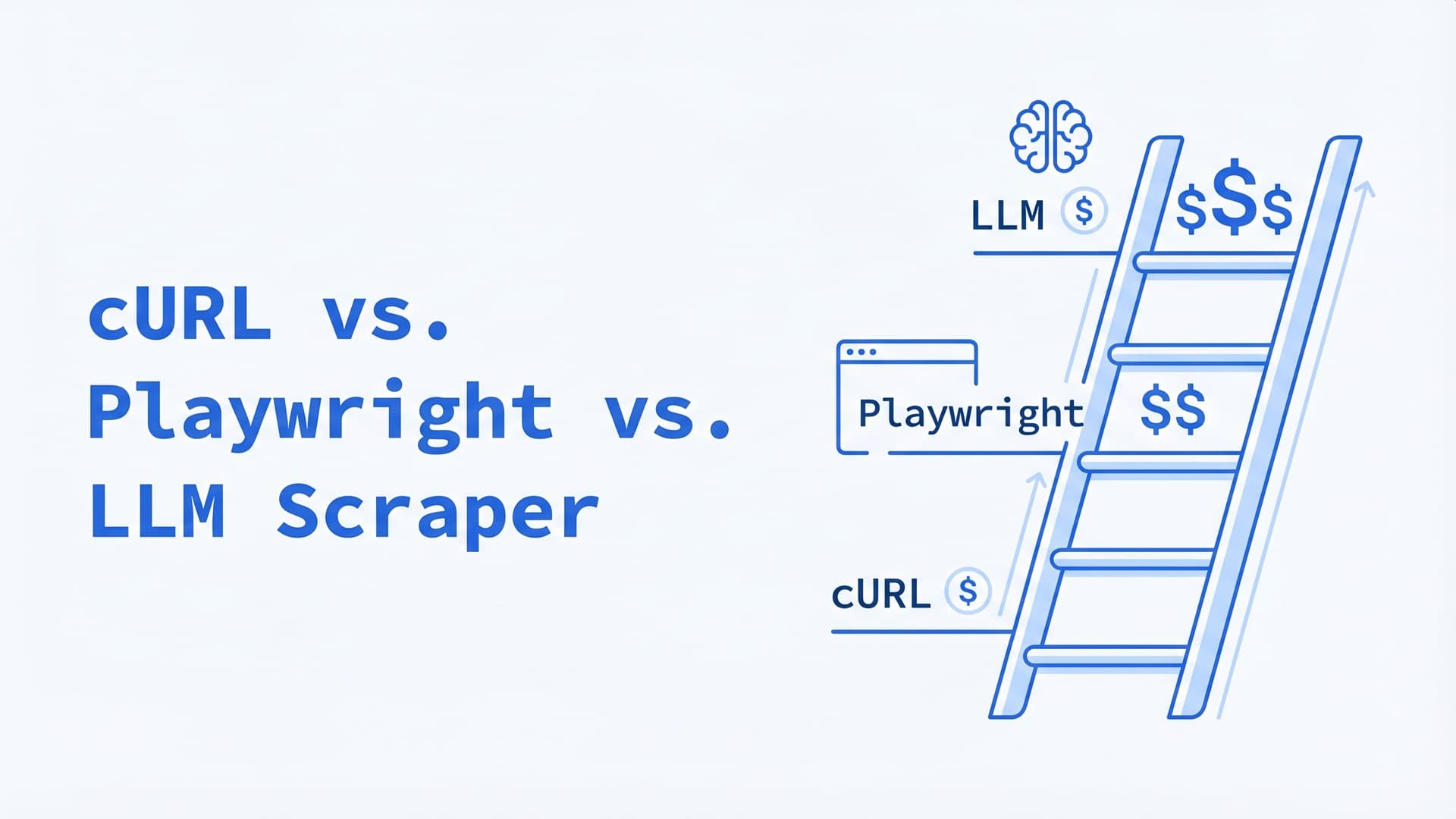
cURL vs. Playwright vs. LLM Scraper: A Decision Tree for 2026
Same scraping job costs $5, $150, or $6,000/month depending on the tool you pick. A 4-step decision tree for choosing between HTTP clients, headless browsers, and LLM-native scrapers in production.
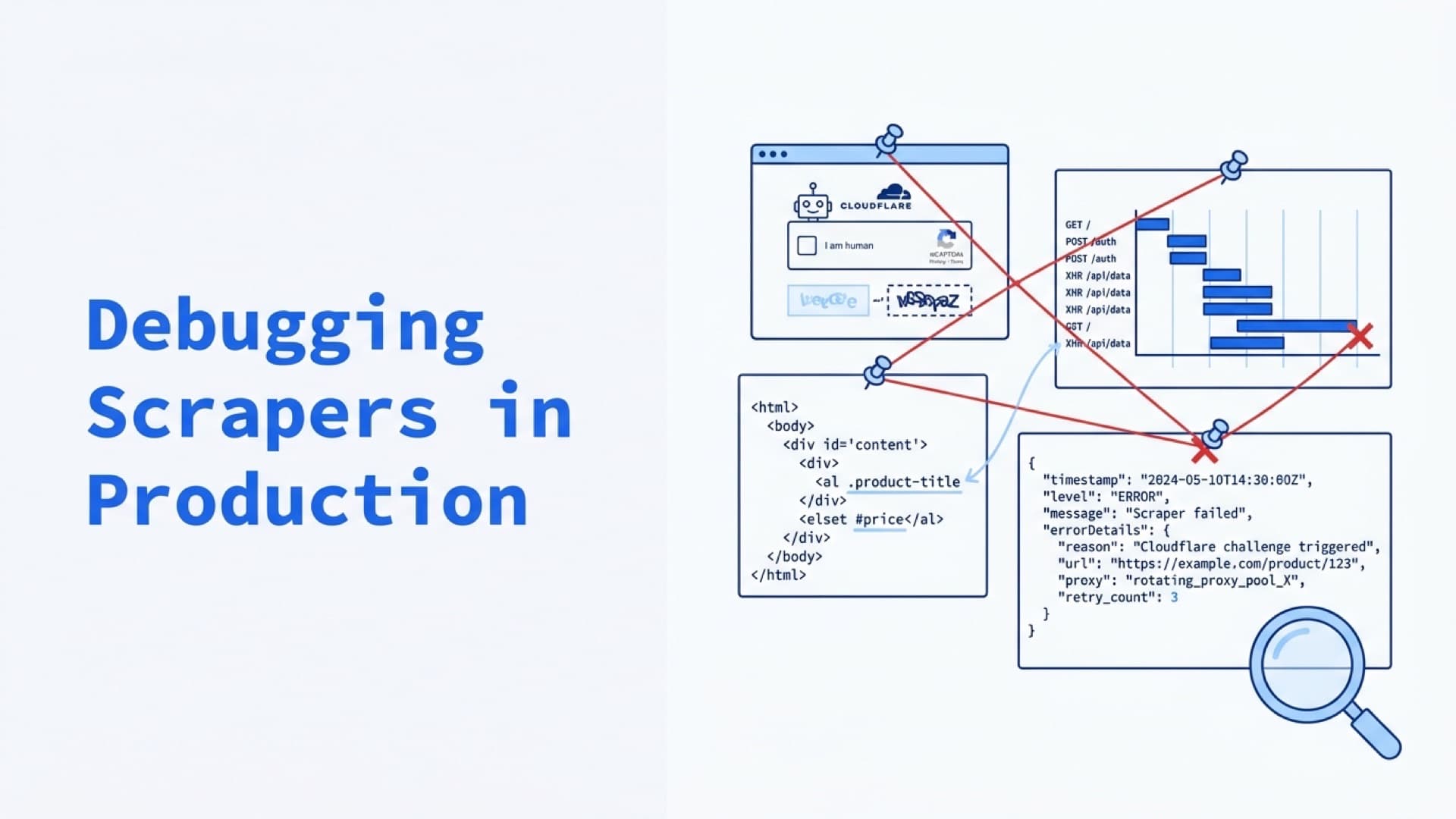
Debugging Scrapers in Production: Logs, Screenshots, Video Replay, and Failure Forensics
Status codes aren't evidence. Screenshots, DOM snapshots, Playwright traces, and structured logs are. The Evidence Bundle pattern for turning scraper failures from hours of investigation into dashboard queries.
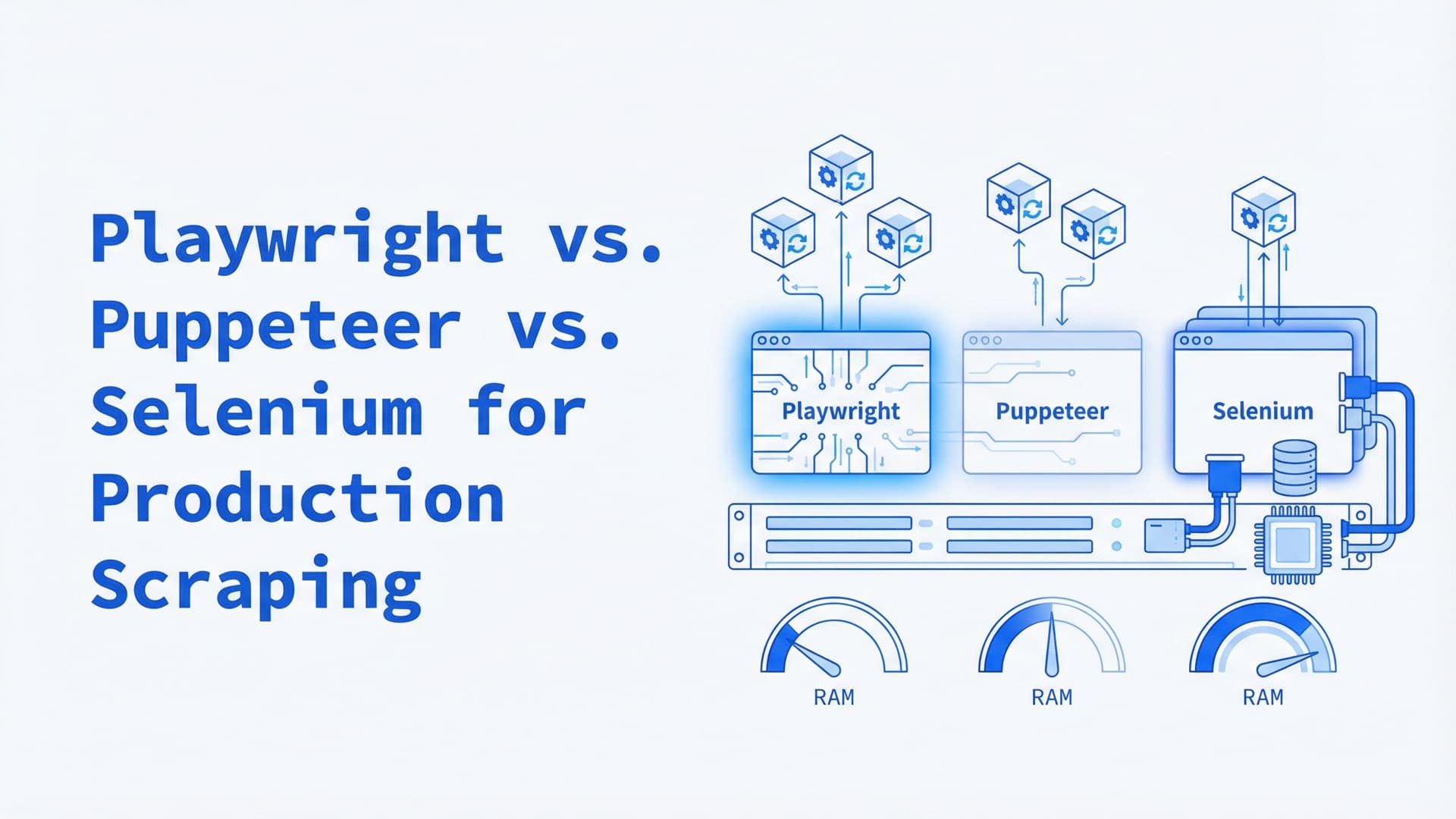
Playwright vs. Puppeteer vs. Selenium for Production Scraping: A 2026 Comparison
Most headless browser comparisons test on localhost. Production scraping at 100+ concurrent sessions reveals different winners — here's the data on memory, detection, and Kubernetes deployment.