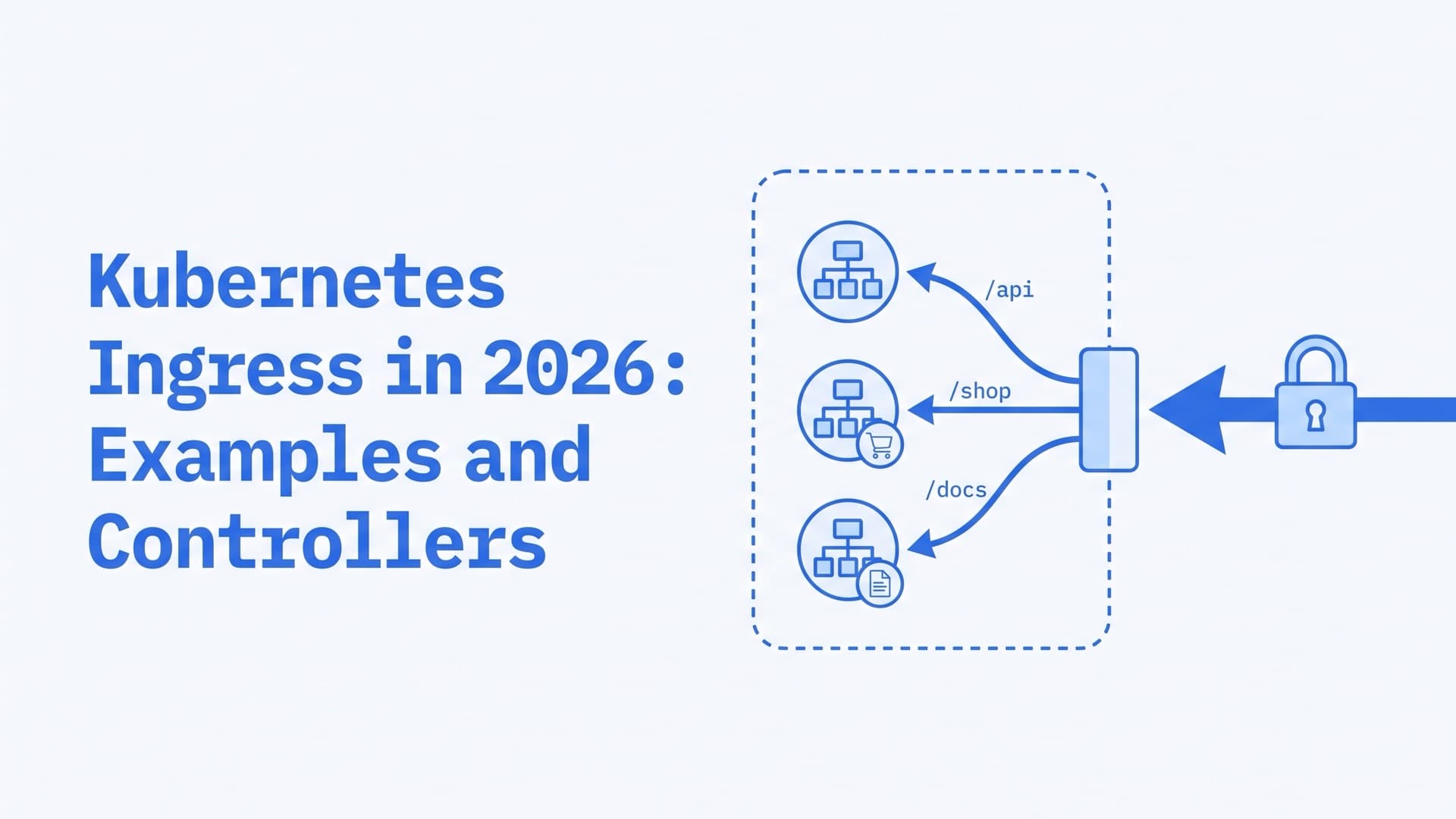
Kubernetes Ingress in 2026: Examples and Controllers
What is Ingress in Kubernetes?
Kubernetes Ingress is an API object that routes HTTP and HTTPS traffic from outside the cluster to Services inside it. Rules match the request's hostname and URL path, and an Ingress can also terminate TLS. The object does nothing alone. An Ingress controller reads it and configures a proxy or cloud load balancer to match.
Teams use Ingress to put many web Services behind one address. The docs say this keeps the number of load balancers "down to a minimum".
In 2026 the Ingress API is stable and frozen, and no removal is planned. The community ingress-nginx controller, which about half of cloud native environments relied on, was retired in March 2026. The deprecation section below explains what changed and what keeps working. This guide reflects Kubernetes 1.37, the current release, and sources checked in October 2026.
How Kubernetes Ingress works
The Ingress resource holds the rules, and a controller puts them into effect. An IngressClass links the two. A default backend answers requests that match no rule.
The Ingress resource
An Ingress holds a list of rules. Each rule has an optional host and a list of paths, and each path points to a backend Service and port. That Service must be in the same namespace as the Ingress. An optional tls section lists the hosts to secure and the Secret that holds their certificate.
Anything beyond hosts, paths and TLS goes into annotations. Each controller defines its own, so the docs tell you to check which ones yours supports.
The Ingress controller
For Ingress to work, an Ingress controller must be running. You choose it and set it up yourself, unless your platform ships one. The controller watches Ingress objects and turns them into load balancer configuration.
In-cluster controllers usually run as pods behind one LoadBalancer Service. Cloud controllers, such as the AWS Load Balancer Controller, create the cloud load balancer themselves.
IngressClass and ingressClassName
A cluster can run several controllers. Each one registers an IngressClass, and spec.ingressClassName on an Ingress picks one. Leave the field out and Kubernetes applies the default class, the one with the annotation ingressclass.kubernetes.io/is-default-class: "true". If several classes carry it, Kubernetes picks the newest, so mark only one.
ingressClassName replaced the kubernetes.io/ingress.class annotation in Kubernetes 1.18, and the annotation is deprecated. GKE is an exception. Its built-in controller still selects Ingresses by that annotation, with the value gce or gce-internal. It leaves an Ingress that sets only ingressClassName to other controllers.
The default backend
Requests that match no host or path go to the default backend. You can set one in spec.defaultBackend, but it is usually a controller option. Without one, the controller decides what to return. The ingress-nginx default backend, for example, returned a 404 for every path except its health check.
What happens to a request
Take a request for https://shop.example.com/api/orders through an in-cluster controller:
- DNS resolves
shop.example.comto the controller's load balancer. - The load balancer passes the connection to the controller's proxy.
- The proxy terminates TLS with the certificate from the Ingress's Secret.
- It matches the Host header and the path against the rules and picks a backend Service.
- It forwards the request to one of that Service's ready pods.
Many controllers send traffic straight to pod IPs, as our load balancing guide explains. The last hop is plain HTTP by default, because the Ingress API assumes TLS ends at the controller.
Kubernetes Ingress example (YAML)
This manifest serves shop.example.com over HTTPS and splits it between two Services. It uses networking.k8s.io/v1, the only Ingress API version served since Kubernetes 1.22.
apiVersion: networking.k8s.io/v1
kind: Ingress
metadata:
  name: shop
  namespace: shop
spec:
  ingressClassName: example
  tls:
    - hosts:
        - shop.example.com
      secretName: shop-tls
  rules:
    - host: shop.example.com
      http:
        paths:
          - path: /api
            pathType: Prefix
            backend:
              service:
                name: api
                port:
                  number: 8080
          - path: /
            pathType: Prefix
            backend:
              service:
                name: web
                port:
                  number: 80
What each part does, according to the Ingress docs:
ingressClassNamepicks the controller. Replaceexamplewith a class fromkubectl get ingressclass.tlsnames the Secret with the certificate. The Secret must containtls.crtandtls.key, and the hosts listed here must match the rule's host.hostis an exact name or a wildcard such as*.example.com. A wildcard covers exactly one DNS label.pathTypeis required on every path.Exactmatches one path, andPrefixmatches whole path segments. Both are case-sensitive.ImplementationSpecificleaves matching to the controller.backendnames a Service in the same namespace and its port, by number or name.
When several paths match, the longest wins, and Exact beats Prefix on a tie. Here /api and /api/orders go to the api Service. /apiary goes to web, because Prefix compares whole segments.
Create the Secret from a certificate and key you already have:
kubectl create secret tls shop-tls -n shop \
  --cert=tls.crt --key=tls.key
Keep it in the Ingress's namespace, since the tls section has no namespace field. cert-manager can issue and renew the certificate instead. Add its issuer annotation to the Ingress, and it stores the certificate in the Secret named in secretName.
How to test an Ingress
kubectl apply -f shop-ingress.yaml
kubectl get ingress shop -n shop
The ADDRESS column fills in once the controller has a load balancer, which can take a minute or two. Test the routing before DNS exists by putting that address in place of 203.0.113.10:
curl -H "Host: shop.example.com" \
  http://203.0.113.10/api/orders
curl --resolve shop.example.com:443:203.0.113.10 \
  https://shop.example.com/
The Host header is enough for plain HTTP, though some controllers redirect to HTTPS when tls is set, as ingress-nginx did. For HTTPS, --resolve works like a one-off /etc/hosts entry, so TLS still sees the real hostname. On AWS, ADDRESS is a hostname, so look up its IP with dig +short first.
How to get Ingress with kubectl
kubectl get ingress lists the Ingresses in the current namespace, and ing is its short name. Add -A for all namespaces. These four commands answer most questions:
kubectl get ingress -A
kubectl describe ingress shop -n shop
kubectl get ingress shop -n shop -o yaml
kubectl get ingressclass
get prints NAME, CLASS, HOSTS, ADDRESS, PORTS and AGE. For Ingress, -o wide adds no columns. None of the six is marked as a wide column in the table printer that the API server runs for kubectl get. CLASS <none> means ingressClassName is empty. Either no class was set and no default applied, or the Ingress uses the old annotation, as on GKE. A blank ADDRESS means no controller has published an address yet. PORTS reads 80, 443 whenever the spec has a tls section, whatever the controller actually opened.
describe is the most useful single check. Under Rules, it lists each backend with its ready pod addresses in parentheses, such as api:8080 (10.8.0.90:8080). An error there usually means the Service is missing. Empty parentheses or (<none>) mean kubectl found no ready pod for that backend. A port the Service doesn't define can show the same, so check the port too. The Events at the bottom show what the controller reported, if it reports events.
-o yaml shows the spec and status.loadBalancer.ingress, where the controller writes the address.
get ingressclass shows which controllers the cluster is set up for, in the CONTROLLER column, such as ingress.k8s.aws/alb or k8s.io/ingress-nginx. The class your Ingress names must appear here, and its controller must be running.
The controller's logs explain rejected objects:
kubectl logs -n <controller-namespace> \
  deployment/<controller-name> --tail=100
F5's NGINX Ingress Controller, for example, ignores an Ingress with invalid annotations, while the object stays in the cluster.
Ingress vs LoadBalancer vs NodePort
All three bring outside traffic to pods. NodePort and LoadBalancer are Service types that work at layer 4, one Service per port or address. Ingress works at layer 7 and puts many HTTP Services behind one address.
| NodePort | LoadBalancer | Ingress | |
|---|---|---|---|
| Layer | L4 | L4 | L7 |
| Traffic | TCP, UDP | TCP, UDP | HTTP, HTTPS |
| Entry point | A port on every node | An IP per Service | One shared address |
| Routes by | Port | Port | Host and path |
| Needs | Nothing extra | Cloud LB or MetalLB | A controller |
They often stack. An in-cluster Ingress controller usually sits behind one LoadBalancer Service, and every HTTP Service behind it shares that address. For other protocols, the Ingress docs point to NodePort or LoadBalancer Services. NodePort uses ports 30000-32767 by default and suits testing or your own external load balancer. Our Kubernetes load balancing guide covers Service types, cloud load balancers and bare metal in depth.
Ingress vs egress in Kubernetes
Ingress is traffic coming in, and egress is traffic going out. The Ingress object routes incoming HTTP and HTTPS traffic from outside the cluster. NetworkPolicy uses both words as directions. Its ingress rules limit connections into pods, and its egress rules limit connections out of them. By default, pods allow both, and policies only work with a network plugin that enforces them.
The two meet when you lock a namespace down. If your app's namespace denies inbound traffic by default, as our networking guide recommends, let the controller in:
apiVersion: networking.k8s.io/v1
kind: NetworkPolicy
metadata:
  name: allow-ingress-controller
  namespace: shop
spec:
  podSelector: {}
  policyTypes: ["Ingress"]
  ingress:
    - from:
        - namespaceSelector:
            matchLabels:
              kubernetes.io/metadata.name: ingress-system
Replace ingress-system with your controller's namespace, whose name Kubernetes sets as a label. This works for controllers that run as ordinary pods. A controller on the host network may not match a namespace selector. Cilium Ingress is different too. Its traffic reaches pods from a special ingress identity, which Cilium's docs say your policies must allow. Cloud load balancers that reach pod IPs directly come from outside the cluster, so allow their ranges instead. GKE's external Application Load Balancer, for example, reaches pods from 130.211.0.0/22 and 35.191.0.0/16.
Kubernetes Ingress controllers in 2026
The Kubernetes project maintains two controllers, for AWS and Google Cloud, and lists about 30 third-party ones. The Gateway API project's guide for ingress-nginx users suggests choosing by the proxy your team knows and by what your cloud or CNI offers. That test works for Ingress too.
| Your situation | Controllers to look at |
|---|---|
| You run on one cloud | AWS Load Balancer Controller, GKE Ingress (maintenance mode), Application Gateway for Containers |
| Your team knows Envoy | Contour, Emissary-Ingress, Gloo |
| Your team knows NGINX | F5 NGINX Ingress Controller |
| Your team knows HAProxy | HAProxy Kubernetes Ingress Controller, N42 Gateway |
| You already run Traefik, Kong or Istio | Its own Ingress support |
| Cilium is your CNI | Cilium Ingress |
Many of these also implement Gateway API, which makes a later move easier. F5 covers it with a separate project, NGINX Gateway Fabric.
How to install an Ingress controller
Each controller's docs give its install steps, usually a Helm chart. On EKS, GKE and AKS, see the platform options below. Then check that the new class exists and, for an in-cluster controller, that its Service has an EXTERNAL-IP:
kubectl get ingressclass
kubectl get service -n <controller-namespace>
Many tutorials still install ingress-nginx, which is retired and gets no security fixes. Pick a maintained controller from the table above. For a local test, kind clusters with Cloud Provider KIND v0.9.0 or later serve Ingress with no extra controller.
Ingress on EKS, GKE and AKS
| Platform | Ingress option | Status |
|---|---|---|
| EKS | AWS Load Balancer Controller | You install it |
| EKS Auto Mode | Built-in ALB support | Included |
| GKE | GKE Ingress | Maintenance mode |
| AKS | Application routing add-on (NGINX) | Supported to November 2026 |
| AKS | Application Gateway for Containers | Ingress and Gateway API |
EKS. The AWS Load Balancer Controller creates an Application Load Balancer per Ingress, or shares one across an IngressGroup. Its IngressClasses use the controller name ingress.k8s.aws/alb. EKS Auto Mode builds this in, under the name eks.amazonaws.com/alb.
GKE. GKE Ingress creates Application Load Balancers. Its docs now put it in maintenance mode, with bug fixes only, and recommend GKE's Gateway API controller.
AKS. The application routing add-on runs managed NGINX based on ingress-nginx, with the class webapprouting.kubernetes.azure.com. Microsoft gives it critical security patches through November 2026, and its users must migrate to the add-on's Gateway API implementation, or another supported one, by then. Application Gateway for Containers runs its data plane outside the cluster, driven by an ALB Controller inside it. It accepts both Ingress and Gateway API resources.
Is NGINX an ingress controller?
Not by itself. NGINX is a web server and reverse proxy, and several Ingress controllers run it as their proxy. Two of them carry its name. The Kubernetes blog notes that both use NGINX as the data plane "but are otherwise unrelated".
| ingress-nginx | F5 NGINX Ingress Controller | |
|---|---|---|
| Owner | Kubernetes community | F5 |
| Status | Retired in March 2026 | Maintained, v5.6.3 in September 2026 |
| Annotations | nginx.ingress.kubernetes.io/ | nginx.org/, nginx.com/ |
| Repository | kubernetes/ingress-nginx | nginx/kubernetes-ingress |
F5's controller works with NGINX or NGINX Plus.
Is Kubernetes Ingress deprecated?
No. The Ingress API, networking.k8s.io/v1, has been stable since Kubernetes 1.19 and keeps the guarantees of a GA API. It is also frozen, so it gets no new features, and the project recommends Gateway API instead. The Ingress docs say the project has "no plans to remove Ingress from Kubernetes". What retired in March 2026 was one controller, ingress-nginx.
Several related things did change:
| Item | Status in October 2026 |
|---|---|
Ingress API, networking.k8s.io/v1 | GA and frozen, no removal planned |
Beta Ingress APIs (v1beta1) | Not served since 1.22 |
kubernetes.io/ingress.class annotation | Deprecated in favor of ingressClassName |
| ingress-nginx controller | Retired, no more fixes |
| GKE Ingress controller | Maintenance mode, bug fixes only |
| AKS managed NGINX add-on | Critical security patches through November 2026 |
What the ingress-nginx retirement means
ingress-nginx was the community controller from the Kubernetes project. Its retirement came in four steps:
- November 11, 2025. SIG Network and the Security Response Committee announced it.
- January 29, 2026. The Steering and Security Response Committees warned that none of the alternatives is a drop-in replacement.
- March 19, 2026. The final releases, controller v1.15.1, v1.14.5 and v1.13.9, came out.
- March 24, 2026. The repository was archived and became read-only.
Since then there have been "no further releases, no bugfixes, and no updates to resolve any security vulnerabilities". Its planned successor, InGate, never matured and is retired too. Existing installs keep running, and the Helm charts and images stay available. The statement warns that unless you check, "you may not know you are affected until you are compromised."
The announcement gives this check, which needs cluster-wide read access and works in most cases:
kubectl get pods --all-namespaces \
  --selector app.kubernetes.io/name=ingress-nginx
In kubectl get ingressclass, its classes show the controller k8s.io/ingress-nginx by default. Replacing it is item 25 on our Kubernetes security checklist.
How to migrate off ingress-nginx
The retirement notice recommends moving to Gateway API or to another Ingress controller. Both take planning.
Another Ingress controller. Your Ingress objects stay, and their rules and TLS settings carry over once you change ingressClassName. The annotations don't, because each controller defines its own. The Gateway API docs call the result "limited portability". URL rewriting shows the gap:
| Controller | Rewrite setting |
|---|---|
| ingress-nginx | nginx.ingress.kubernetes.io/rewrite-target |
| F5 NGINX Ingress Controller | nginx.org/rewrite-target or nginx.org/rewrites |
| HAProxy Kubernetes Ingress Controller | haproxy.org/path-rewrite |
| Traefik | A Middleware, attached with traefik.ingress.kubernetes.io/router.middlewares |
Default behavior differs too. A Kubernetes blog post lists ingress-nginx habits that a faithful copy can break:
- regex paths are case-insensitive prefix matches;
- a
rewrite-targetannotation quietly turns every path on that host into a regex; - a request for
/my-pathis redirected to/my-path/when only the slash version is defined; - URLs are normalized before matching.
Traefik's documentation says its Ingress NGINX provider supports "many of the ingress-nginx annotations". Whichever controller you pick, test each annotation you rely on.
Gateway API. This is the path the Kubernetes project recommends. ingress2gateway, a SIG Network tool, converts Ingress resources and their annotations into Gateway API resources. It supports over 30 common ingress-nginx annotations, with v1.2.0 out since July 2026. It also reads setups written for F5's controller, Traefik, Kong, Istio, Cilium, APISIX and GKE.
Read its warnings, which flag what did not translate, such as configuration-snippet annotations. Run the new gateway next to the old controller, where it gets its own external IP, and shift traffic over gradually. Our load balancing guide lists the full migration steps.
If ingress-nginx or the AKS add-on still serves your traffic, our Kubernetes consulting team starts with read-only access and a written list of what to fix first.
Ingress vs Gateway API
Gateway API is the successor to the Ingress API. Both route outside traffic to Services. Ingress is one frozen object for HTTP and HTTPS, and anything more needs controller-specific annotations. Gateway API splits the setup by role, adds gRPC, TLS, TCP and UDP routes, and puts redirects, header matching and traffic splitting in the spec.
Gateway API ships as CRDs, so you install it or get it with your implementation. Its core went GA with v1.0 in October 2023, and as of October 2026 the latest release is v1.6.3.
What it adds over Ingress:
- Roles. A cluster operator owns the Gateway, with its listeners and certificates. App teams attach HTTPRoutes to it, from other namespaces too when the Gateway allows it.
- More protocols. HTTPRoute and GRPCRoute are stable. TLSRoute joined the standard channel in v1.5, and TCPRoute and UDPRoute in v1.6.
- Portable features. Redirects, header changes, traffic splitting and matching on headers, query parameters or methods are part of the spec. In Ingress they need annotations.
- Defined conflict rules. Gateway API specifies how rules from many routes merge. The Ingress API leaves that to each controller.
Here is the routing from the example above as an HTTPRoute. TLS moves to the Gateway, which the platform team owns:
apiVersion: gateway.networking.k8s.io/v1
kind: HTTPRoute
metadata:
  name: shop
  namespace: shop
spec:
  parentRefs:
    - name: shared-gateway
      namespace: infra
  hostnames:
    - shop.example.com
  rules:
    - matches:
        - path:
            type: PathPrefix
            value: /api
      backendRefs:
        - name: api
          port: 8080
    - backendRefs:
        - name: web
          port: 80
A rule with no matches defaults to a prefix match on /. The Gateway in infra must allow routes from shop in its allowedRoutes.
| Ingress | Gateway API | |
|---|---|---|
| API status | GA, frozen | GA, still growing |
| Installed as | Part of Kubernetes | CRDs |
| Protocols | HTTP, HTTPS | HTTP, gRPC, TLS, TCP, UDP |
| Extra features | Annotations | Spec fields and policies |
| Ownership | One object | Split by role |
When to move to Gateway API
Move when one of these is true:
- You run ingress-nginx, or a platform add-on built on it.
- You are building a new cluster or platform.
- Several teams share one entry point and need separate permissions.
- You need gRPC, TCP or UDP routing, or traffic splitting without annotations.
- Your controller is in maintenance mode, as GKE Ingress is.
A maintained Ingress controller that serves simple host and path rules can stay for now. Before you switch, check your implementation's conformance report for each feature you need.
Troubleshooting Kubernetes Ingress
Start with kubectl describe ingress, then the controller's logs. Most problems fit one of these patterns:
| Symptom | Likely cause | First check |
|---|---|---|
| ADDRESS stays blank | No controller for the class | kubectl get ingressclass |
| 404 from the controller | No rule matched | Host header, pathType |
| 503 | No ready pods | kubectl describe ingress |
| 502 or 504 | Wrong port or a stuck pod | targetPort, pod logs |
| Certificate warning | TLS Secret missing or misplaced | Secret name and namespace |
| Works by IP, not by name | DNS points elsewhere | dig +short |
Ingress has no address
Usually no controller has claimed the Ingress yet. Some controllers also leave ADDRESS blank until told which address to publish, such as Traefik without its ingressEndpoint setting. Check that the Ingress's class appears in kubectl get ingressclass and that the controller's pods are running. Without ingressClassName, the Ingress gets a class only if one is marked default. If several are, it gets the newest, which may belong to a controller you didn't expect. The default also reaches only Ingresses created after it was set. On GKE, use the kubernetes.io/ingress.class annotation. An in-cluster controller usually gets its address from its own LoadBalancer Service, so check that Service's EXTERNAL-IP too.
404 Not Found from the default backend
A 404 that doesn't come from your app usually means no rule matched, so the default backend answered. Check three things:
- The Host header. A request by IP, or for a name missing from the rules, matches no rule that sets a host.
*.example.commatches neitherexample.comnora.b.example.com. - The path type.
Exact/foodoesn't match/foo/, andPrefix/foodoesn't match/foobar.ImplementationSpecificbehaves however your controller decides. - The class. If no controller serves the Ingress's class, the proxy you are calling never received its rules.
503, 502 and 504 errors
These come from the proxy after a rule matched, and the codes vary by controller. Check in this order:
kubectl describe ingress. Empty parentheses or(<none>)beside a backend mean no ready pods, or a port the Service doesn't define.- The Service selector.
kubectl get endpointslices -n shop -l kubernetes.io/service-name=webshould list your pods. A label typo is a common cause. - The ports. The Ingress must name a port the Service exposes, and
targetPortmust match the container port. - Readiness. Pods that fail their readiness probes get no traffic.
- Network policies. A NetworkPolicy can block the controller from reaching the pods. The policy in the egress section lets it in.
TLS and certificate errors
Check the Secret first. It must live in the Ingress's namespace, and F5's controller, for one, requires that. It needs the type kubernetes.io/tls and the keys tls.crt and tls.key. The hosts under tls must match the rule hosts, and the docs warn that TLS will not work on a rule without a host.
Then check which certificate the controller actually serves:
openssl s_client -connect 203.0.113.10:443 \
  -servername shop.example.com </dev/null \
  | openssl x509 -noout -text \
  | grep -E "Subject:|DNS:|Not After"
-servername sets the SNI name the controller uses to pick a certificate. Look for your host among the DNS: names, which are the certificate's subject alternative names. If it isn't there, the controller isn't using your Secret. A past Not After date means the certificate has expired. Controllers handle a bad Secret differently. F5's controller breaks TLS for the affected hosts. ingress-nginx answered unmatched names with a self-signed default certificate unless you set your own. Its common name is Kubernetes Ingress Controller Fake Certificate, so that name in the openssl output means ingress-nginx served its default instead of your certificate.
Annotations not working
Annotations belong to one controller, and one your controller doesn't support has no effect. A rewrite-target copied from ingress-nginx can therefore pass unrewritten paths to your app, which then answers 404. Invalid values can also make a controller skip the whole Ingress, as F5's does.
DNS doesn't point at the controller
Compare the name's DNS answer with the Ingress address:
dig +short shop.example.com
kubectl get ingress shop -n shop
The name should resolve to the ADDRESS, directly or through a CNAME to the load balancer's hostname. ExternalDNS can create these records from your Ingress hosts.
We have run production systems since 2009. For a second opinion on your Ingress setup, our Kubernetes consulting team starts with read-only access and a written list of what to fix first. If you'd rather not run Ingress yourself, our managed Kubernetes service keeps Ingress controllers and TLS certificates working as the cluster changes.
Frequently Asked Questions
Is Ingress an API gateway?
Not by itself. Ingress is a routing API that matches hosts and paths for HTTP and HTTPS and terminates TLS. An API gateway, as the Gateway API docs describe it, also centralizes authentication and request limits for API consumers. Some Ingress controllers come from API gateway products, such as Kong, Gloo and Emissary-Ingress, and offer more of those features.
Is the Gateway API replacing Ingress?
Gateway API is the successor the Kubernetes project recommends, and new features land only there. Ingress stays, though. The Ingress API remains GA and frozen, and the Gateway API FAQ says there are no plans to deprecate it. It also expects most controllers to keep supporting Ingress indefinitely. Plan new work on Gateway API.
Which ingress controller is best for Kubernetes?
None is best for every cluster. On one cloud, the provider's controller gives you a managed load balancer. Across clouds or on bare metal, pick a portable controller built on a proxy your team knows, such as Envoy, NGINX, HAProxy or Traefik. Avoid ingress-nginx, which gets no security fixes. For new builds, consider Gateway API.
What is an Ingress manifest file?
An Ingress manifest is a YAML or JSON file that describes an Ingress object for kubectl apply. It sets apiVersion: networking.k8s.io/v1, kind: Ingress, metadata and a spec. The spec holds ingressClassName, rules with hosts and paths, each path's pathType and backend Service, and optional tls and defaultBackend sections.
What are the types of Ingress in Kubernetes?
The Kubernetes docs show three routing patterns. An Ingress backed by a single Service has only a default backend. A simple fanout routes several paths on one host to different Services. Name-based virtual hosting routes several hostnames on one IP address to different Services. The same section adds TLS from a Secret, which works with any of them.
Why was ingress-nginx retired?
It lacked the maintainers to keep it secure. For years, one or two people maintained it in their spare time. Its snippet annotations, which inject raw NGINX configuration, turned into a security risk. In March 2025, flaws led by CVE-2025-1974, rated 9.8 CVSS, could let anything on the pod network take over a cluster. Retirement followed in March 2026.
Related Reading
Related posts
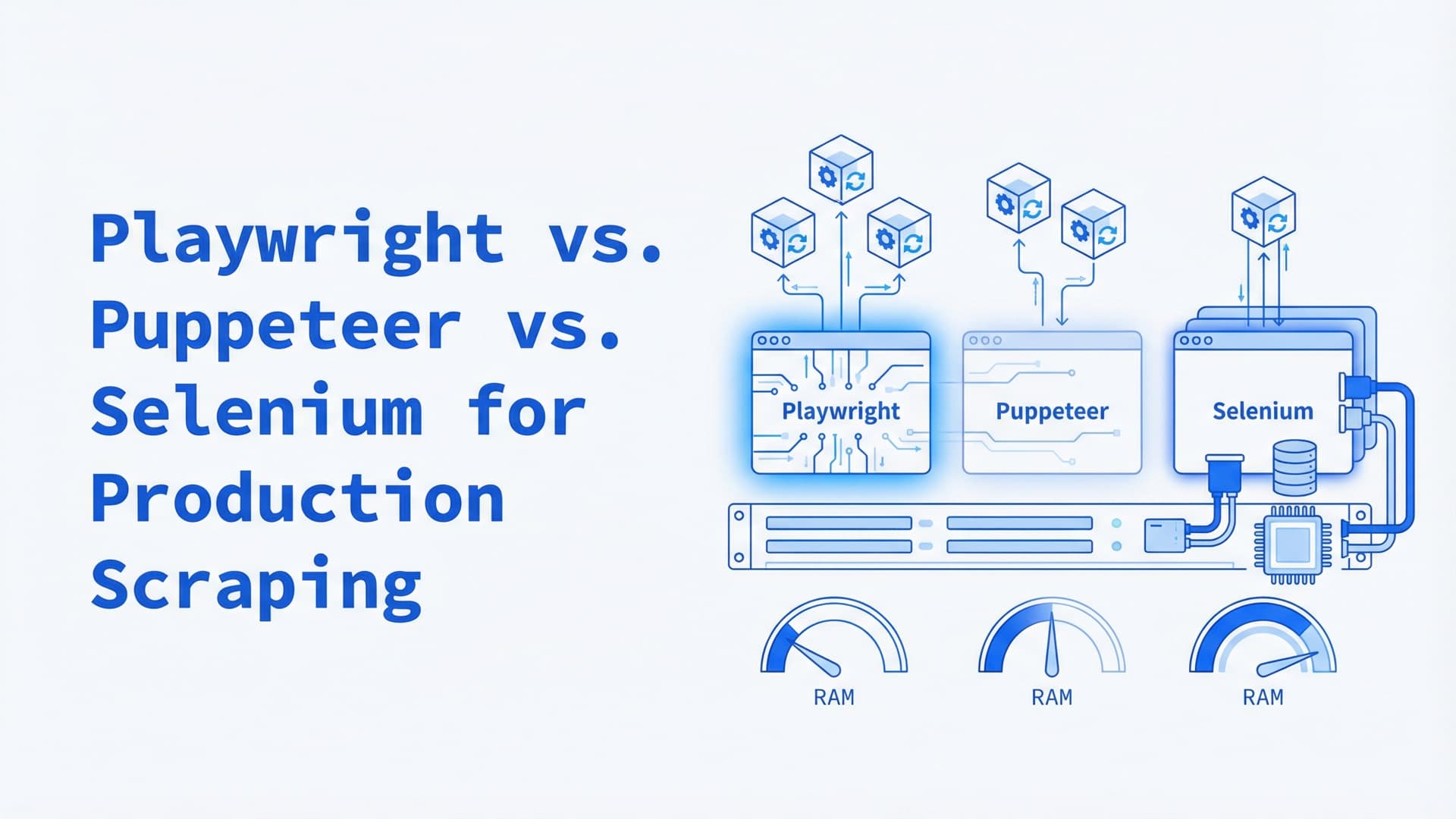
Playwright vs Selenium vs Puppeteer: Scraping at Scale
Playwright vs. Selenium vs. Puppeteer for production scraping: per-instance overhead, languages, stealth forks, Kubernetes, and which to pick.
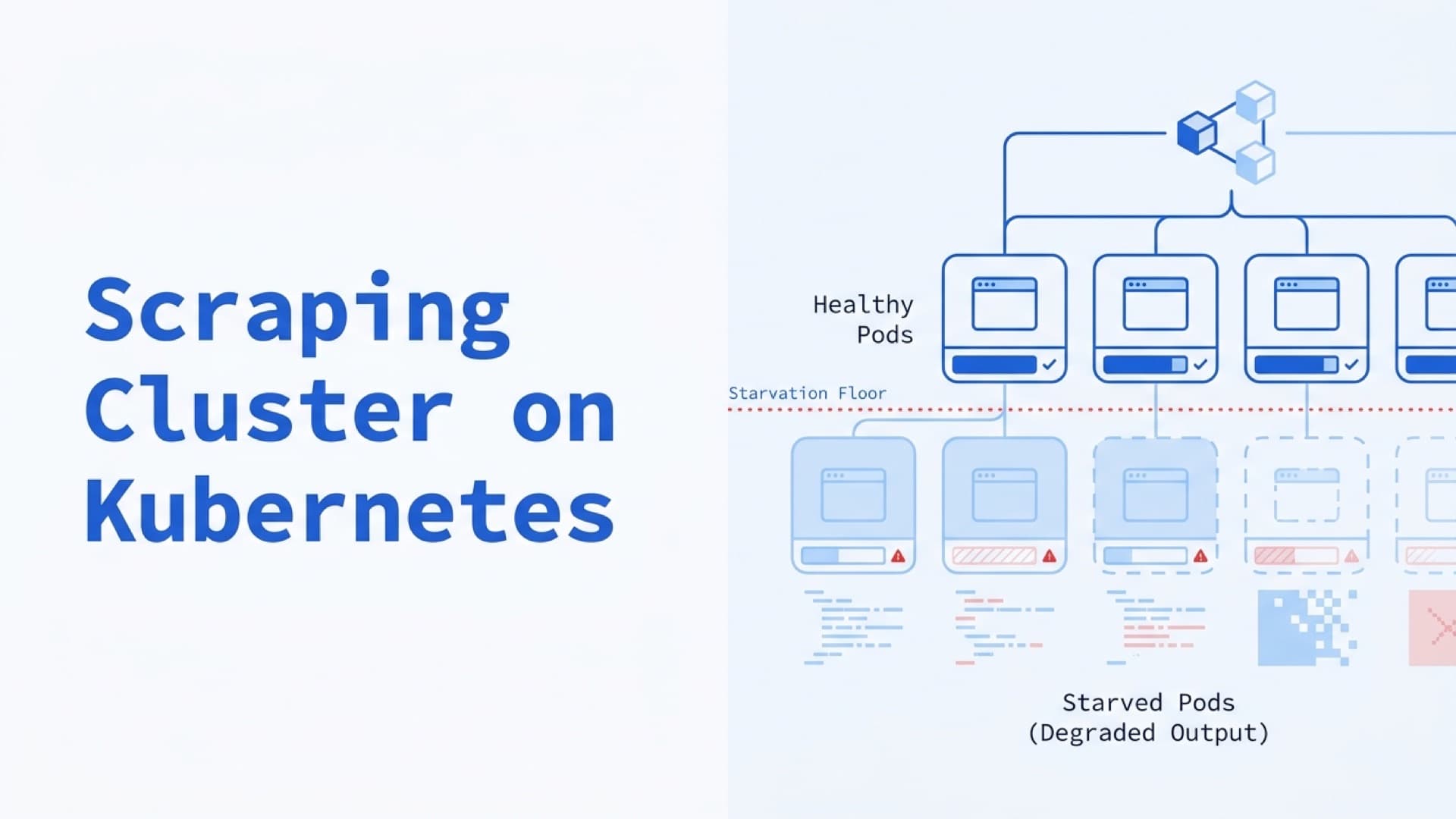
Building a Scraping Cluster on Kubernetes: Resource Management and Cost
Starved Chromium doesn't crash — it produces garbage. A production guide to sizing, scaling, and costing Playwright and Puppeteer clusters on Kubernetes for 500K–5M pages a day.
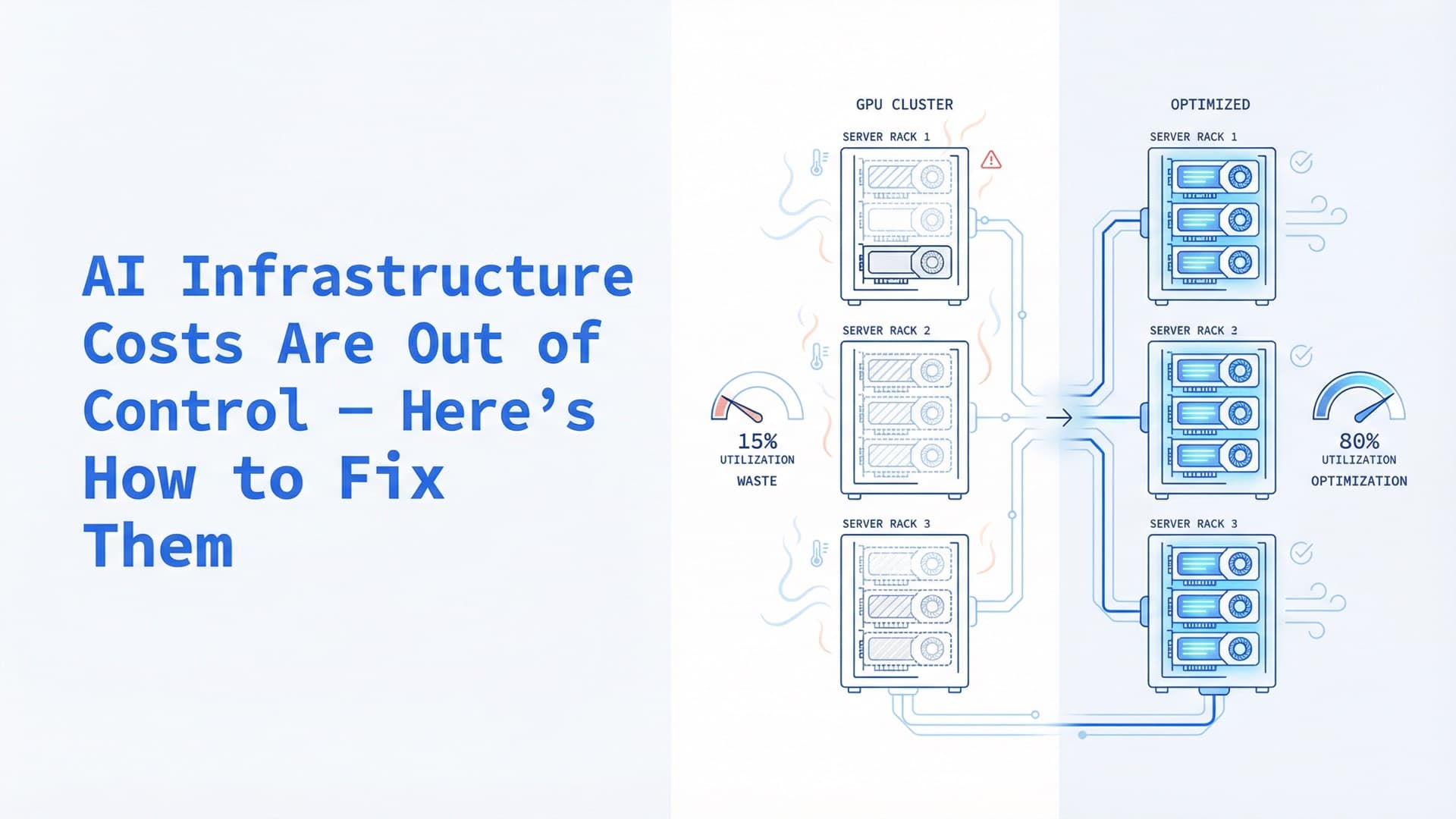
AI Infrastructure Costs Are Out of Control — Here's How to Fix Them
Enterprise AI infrastructure spending hit $82B in Q2 2025, yet average GPU utilization sits at 10-30%. A concrete optimization playbook covering GPU scheduling, inference serving, and the self-hosting decision.