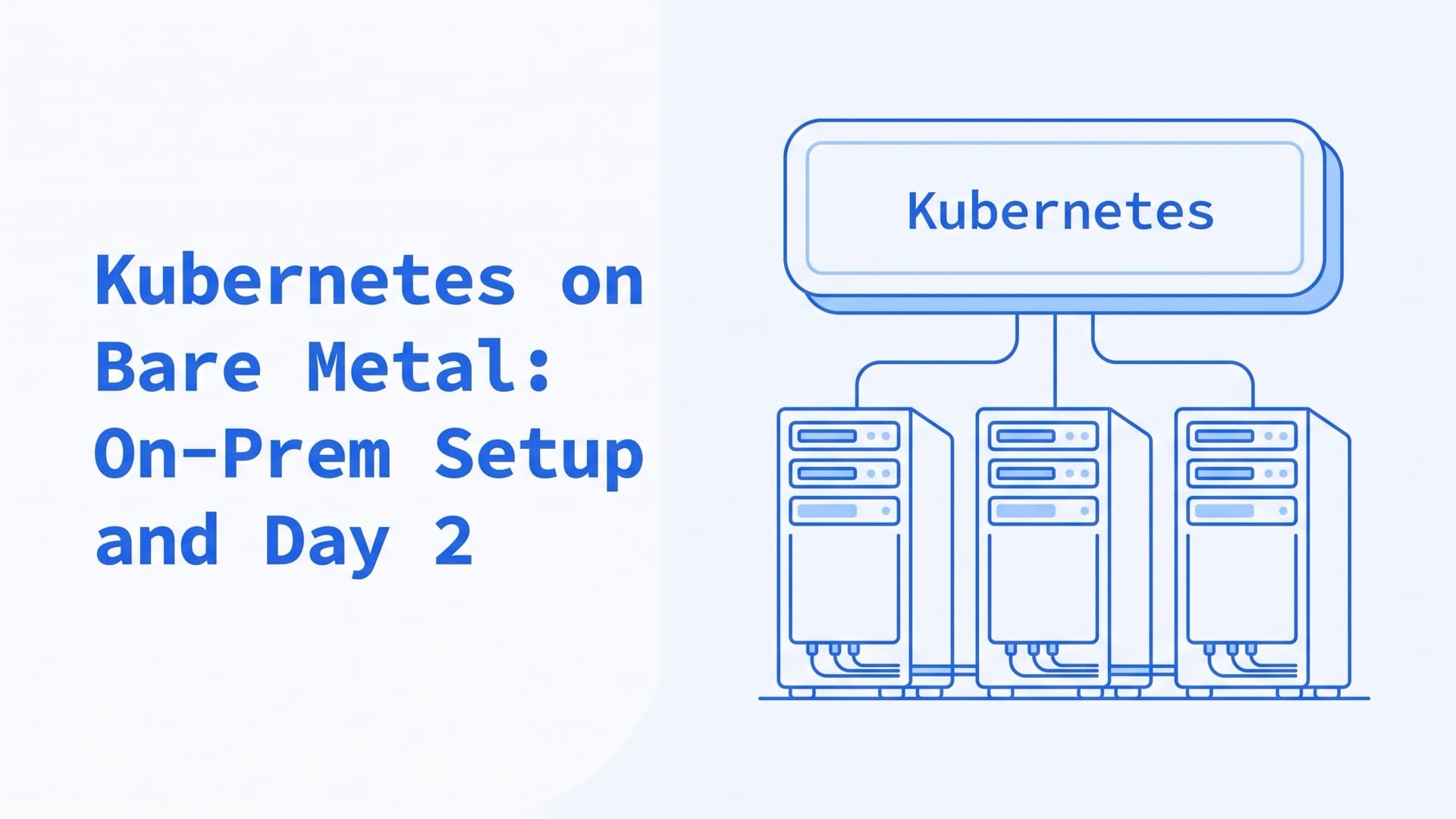
Kubernetes on Bare Metal: On-Prem Setup and Day 2
What is bare-metal Kubernetes?
Bare-metal Kubernetes is Kubernetes installed directly on physical servers you own or rent, with no hypervisor underneath and without a cloud provider's managed control plane, load balancers or disks. On servers in your own data center, it is also on-premise Kubernetes. Your team provisions the machines, picks a distribution, and handles networking, storage, upgrades and hardware failures itself.
This guide takes those decisions in the order you meet them, then covers when bare metal pays off and how we run on-premise clusters. It reflects Kubernetes 1.37, the current release, and sources checked in October 2026.
Bare-metal and on-premise Kubernetes vs cloud
On a managed service, the provider runs the control plane. AWS, for example, says it "manages the Kubernetes control plane" of every standard EKS cluster (EKS). On bare metal, OKD's install docs say, you "must provide all of the cluster infrastructure and resources, including the networking, load balancing, storage, and individual cluster machines" (OKD).
| Layer | Managed cloud | Bare metal |
|---|---|---|
| Control plane and etcd | Run by the provider | You run, back up and upgrade them |
| LoadBalancer Services | The cloud creates a load balancer | Pending until you add an implementation |
| Persistent volumes | Cloud disks through a CSI driver | Local disks or storage you run |
| Failed node | Replace the instance | Repair or replace the server |
| More capacity | Add instances on demand | Buy or rent servers, then provision them |
For LoadBalancer Services, Kubernetes "does not directly offer a load balancing component", so a cloud or an add-on must provide one (Services). Without a supported cloud, MetalLB's docs note, LoadBalancer Services stay pending indefinitely.
In return, you choose the hardware, the network and where data lives. You pay for servers, space, power and people, busy or idle. When that pays off is covered below.
Middle paths exist. EKS Hybrid Nodes attach your on-premises servers to a control plane AWS runs, and Google Distributed Cloud runs Google's Kubernetes on your hardware. Our bare metal vs private cloud comparison covers management overhead, scaling, availability, network and security.
How to provision bare-metal servers for Kubernetes
Each server needs firmware settings, an operating system and a network configuration before Kubernetes. For a few machines, an install from USB or a network (PXE) boot is enough. For more, provisioning tools talk to each server's baseboard management controller (BMC), usually over IPMI or Redfish (Metal3). They install an image without anyone at the console.
| Tool | What it does | Status, October 2026 |
|---|---|---|
| MAAS | Provisions servers through a cloud-like API | Open source, from Canonical |
| Metal3 | Manages servers as Kubernetes objects, using Ironic | CNCF incubating since August 2025 |
| Tinkerbell | DHCP, iPXE, metadata and a workflow engine | CNCF sandbox |
| Cluster API | Creates, scales and upgrades clusters declaratively | Kubernetes sub-project |
Metal3 and Tinkerbell each have a Cluster API provider (Metal3, Tinkerbell). With one, you declare a cluster as Kubernetes objects, and controllers build the machines. MAAS works with Terraform, Juju and Ansible, so provisioning can live in code (MAAS).
Hardware and OS for bare-metal Kubernetes
kubeadm's install guide asks for at least 2 GB of RAM per machine and 2 CPUs on control plane nodes. Every node needs a unique hostname, MAC address and product_uuid, and a container runtime such as containerd or CRI-O (runtimes). By default, the kubelet fails to start if it finds swap, so turn swap off or configure it. Kubernetes deprecated cgroup v1 in 1.35, and the kubelet no longer starts on a cgroup v1 node by default. cgroup v2 needs Linux 5.8 or later (cgroups).
For a production cluster, also plan for:
- an odd number of control plane nodes, at least three, with etcd on fast local SSDs;
- spare capacity to run every pod while a server is down;
- a BMC on each server, with IPMI or Redfish, for remote installs;
- raw disks with no file system, if you run Ceph through Rook.
Two kinds of OS fit:
| Type | Examples | Trade-off |
|---|---|---|
| General-purpose | Ubuntu, Debian, RHEL, Rocky, AlmaLinux | Familiar tools; you patch and harden the OS |
| Immutable | Talos Linux, Flatcar Container Linux | Read-only system and atomic updates; new habits |
Talos Linux is "secure, immutable, and minimal", and all management goes through an API with "no shell or interactive console". Its upgrades keep the previous image and roll back if the new one fails to boot (upgrades). Flatcar Container Linux, a CNCF incubating project since 2024, has a read-only file system and automated updates.
Kubernetes distributions and installers for bare metal
kubeadm is the upstream tool for bootstrapping a cluster, and it stops there. Its docs say it "cares only about bootstrapping, not about provisioning machines", and they leave add-ons such as monitoring out of scope (kubeadm). Other tools automate around it or ship a fuller distribution. The table lists common choices alphabetically. Its rows come from each project's docs (k0s, k3s, kubeadm, Kubespray, OpenShift, OKD, RKE2, Talos) and CNCF's project pages (k0s, k3s).
| Tool | Maintained by | How you install it | What it bundles |
|---|---|---|---|
| k0s | CNCF sandbox; Mirantis offers support | One binary; k0sctl for clusters | kube-router or Calico, CoreDNS, Metrics Server |
| k3s | CNCF sandbox | One binary under 100 MB | Flannel, Traefik, ServiceLB, local-path storage |
| kubeadm | Kubernetes SIG Cluster Lifecycle | kubeadm init, then kubeadm join | Control plane, CoreDNS, kube-proxy |
| Kubespray | Kubernetes SIGs | Ansible playbooks | A choice of ten CNIs, optional MetalLB |
| OpenShift, OKD | Red Hat; OKD is the community distribution | Assisted, agent-based, automated or user-provisioned | Immutable OS, monitoring, web console, Operators |
| RKE2 | SUSE (Rancher) | Install script and a systemd service | Canal, Traefik, CIS and FIPS options |
| Talos Linux | Sidero Labs | Boot the OS, then configure it by API | The OS and Kubernetes as one system |
Choose by how much you want to own. kubeadm stays closest to upstream and leaves the add-ons to you. That includes the network plugin, which our networking guide compares. Kubespray installs upstream Kubernetes and the network plugin you pick, plus optional add-ons such as MetalLB. k0s, k3s and RKE2 bundle more of the stack. Talos and OpenShift also manage the node OS through their own APIs (OKD).
Rancher, also from SUSE, is a management layer above these tools. It can provision and upgrade Kubernetes on existing nodes. It also adds central authentication, access control and monitoring across clusters.
To practice first, kind and minikube run Kubernetes on your own computer. Kubernetes The Hard Way bootstraps a cluster by hand on four machines, and its README says the result "should not be viewed as production ready".
Control plane high availability and etcd
A production control plane needs several machines, one stable API address and etcd on fast disks. kubeadm supports two topologies:
| Topology | Where etcd runs | Trade-off |
|---|---|---|
| Stacked | On each control plane node | Fewer hosts; a failed node costs both roles |
| External | On its own hosts | Less coupling; twice the hosts, 3 plus 3 |
Stacked is kubeadm's default, and its docs ask for at least three stacked control plane nodes. The Kubernetes etcd guide goes further and recommends a five-member etcd cluster in production (etcd). etcd's own docs say it is "very sensitive to disk write latency" and advise SSDs (hardware). On bare metal you choose those disks, so give etcd fast local SSDs.
The API server address
Nodes and kubectl reach the API through one address, which kubeadm takes as --control-plane-endpoint. Without a cloud load balancer, kubeadm's HA notes describe two software options. In the first, keepalived holds a virtual IP and HAProxy spreads TCP traffic behind it. In the second, kube-vip does both from a static pod, over ARP or BGP. Either way, the hosts that share a virtual IP must sit in the same IP subnet.
sudo kubeadm init \
  --control-plane-endpoint \
  "k8s-api.example.com:6443" \
  --upload-certs
--upload-certs shares the certificates that the other control plane nodes need to join (kubeadm HA). An HA RKE2 cluster needs an odd number of server nodes, three recommended. You put a fixed registration address in front of them, such as a TCP load balancer, round-robin DNS or a virtual IP (RKE2 HA).
etcd backups
etcd stores every Kubernetes object, so back it up on a schedule. Taking a snapshot from a live member does not affect its performance (etcd):
etcdctl \
  --endpoints=https://127.0.0.1:2379 \
  --cacert=<ca-file> \
  --cert=<cert-file> \
  --key=<key-file> \
  snapshot save snap.db
The certificate paths come from the etcd Pod's description. The docs advise encrypting snapshots, because each one holds all cluster state. Copy them off the control plane nodes. Our troubleshooting guide covers etcd health checks and space alarms.
How to load balance Kubernetes on bare metal
On bare metal, a Service of type LoadBalancer gets no external IP until something assigns one and announces it to your network. Four common open-source options do that:
| Option | Announces IPs with |
|---|---|
| MetalLB | ARP or NDP (layer 2), or BGP |
| kube-vip | ARP or BGP; also the API server VIP |
| Cilium LB IPAM | BGP Control Plane, or L2 announcements (beta) |
| Calico | BGP, with its own LoadBalancer IPAM |
MetalLB calls its API beta but "known to be stable and reliable" (MetalLB). If your network plugin is Cilium or Calico, their built-in options save a component. MetalLB says it generally works with any network add-on, though it lists known issues with Calico and kube-router (compatibility).
The announcement mode shapes your traffic. In layer 2 mode, one node receives all traffic for each IP. A Service's inbound bandwidth is then limited to one node's, and failover can be slow (MetalLB L2). BGP mode spreads traffic across nodes, if your routers support multipath. When a node goes down, though, MetalLB warns that active connections to the Service break (MetalLB BGP). Our load balancing guide explains both modes.
Ingress and Gateway API on bare metal
A LoadBalancer IP gets traffic into the cluster. Host names, paths and TLS come from an ingress controller or a Gateway API implementation behind it. ingress-nginx retired in March 2026, with no more releases or security fixes (announcement). Gateway API v1.6.0, released in June 2026, made TCPRoute and UDPRoute GA. On bare metal, pick a portable controller built on a proxy your team knows, such as Envoy, HAProxy, NGINX or Traefik. Our Ingress guide compares them and covers the move off ingress-nginx.
Storage for Kubernetes on bare metal
You choose between disks local to each server and storage replicated across servers. Both plug in through CSI drivers or provisioners.
Local volumes
Local disks are fast and simple, but tied to one node. If that node fails, the Kubernetes docs warn, "the local volume becomes inaccessible to the Pod". Apps must tolerate that, and possible data loss (volumes). Local PersistentVolumes support static provisioning only, and the docs recommend a StorageClass with volumeBindingMode: WaitForFirstConsumer. Three tools fill the gaps:
- the local static provisioner manages pre-created local volumes and cleans disks after use;
- Rancher's local-path-provisioner creates
hostPathorlocalvolumes on demand; - OpenEBS Local PV carves volumes from LVM or ZFS, with snapshots.
Local volumes suit apps that keep their own copies on other nodes, such as replicated databases.
Replicated storage
| Option | What you get | Status, October 2026 |
|---|---|---|
| Rook with Ceph | Block, file and object storage in the cluster | CNCF graduated |
| External Ceph with Ceph CSI | Volumes from a Ceph cluster outside Kubernetes | Part of the Ceph project |
| Longhorn | Replicated block storage, snapshots and backups | CNCF incubating |
| OpenEBS Replicated | Replicated volumes served over NVMe/TCP | CNCF sandbox |
Rook automates deploying and running Ceph through Kubernetes operators. Rook v1.21 supports Kubernetes 1.32 to 1.37. It needs local storage with no file system on it, such as raw disks, partitions or LVM volumes (quickstart). Rook can also connect to a Ceph cluster managed elsewhere, for example by cephadm, and configure the CSI driver for it (external mode). Our Ceph guide walks through installing Ceph and connecting it to Kubernetes.
Day 2 on bare metal: upgrades, failures and backups
Upgrades
The Kubernetes project maintains the three newest minor releases, now 1.35 to 1.37 (releases). On bare metal, nobody upgrades the cluster for you, so put upgrades on a schedule. The version skew policy and the kubeadm upgrade guide set three rules:
- Upgrade one minor version at a time. Skipping minor versions is unsupported.
- Upgrade the control plane first, one node at a time, then the workers.
- Kubelets may run up to three minor versions older than the API server, never newer.
kubeadm renews its certificates during each control plane upgrade. Otherwise, its client certificates expire after one year (certificates), as our troubleshooting guide explains. Distributions add their own tools. k3s and RKE2 can upgrade through Rancher's system-upgrade-controller (k3s, RKE2). On Talos, talosctl upgrade-k8s upgrades every node from one command.
OS patches and reboots
Kernel and OS patches need reboots. Before each one, kubectl drain --ignore-daemonsets evicts the node's pods and respects PodDisruptionBudgets (drain). kubectl uncordon puts the node back in service. kured, a CNCF sandbox project, automates the cycle. It watches for a reboot file such as /var/run/reboot-required, takes a lock so only one node reboots at a time, and drains the node first.
Hardware failures
On bare metal, failed disks and power supplies are yours to replace, or your hosting provider's. Keep enough spare capacity to run every pod while a server is down.
When a server dies without a clean shutdown, its StatefulSet pods stay stuck in Terminating, and their volumes stay attached, so replacements can't start elsewhere (node shutdown). Once you have confirmed the server is powered off, mark it out of service:
kubectl taint nodes <node> \
  node.kubernetes.io/out-of-service:NoExecute
Kubernetes then force-deletes the pods and detaches their volumes, so they can start on other nodes. This has been stable since 1.28. Remove the taint yourself after the server is repaired.
Backups
Back up cluster state and data. etcd snapshots cover the state. Velero, a CNCF sandbox project since March 2026, backs up Kubernetes objects and persistent volumes to object storage. It can restore them into the same or another cluster. On bare metal, that store can be Ceph's S3-compatible gateway, which Velero users report works, or a store in another site.
For volume data, Velero takes CSI snapshots where your storage supports them, and can move the snapshot data elsewhere. Otherwise, its file system backup copies data from the live file system. Velero calls that path beta and less consistent than snapshots (file system backup).
Monitoring and security
Watch the servers too. node-exporter reports hardware and OS metrics, and our Kubernetes monitoring guide covers metrics, alerts and tools. The API server and etcd are yours to protect, and our security checklist starts there.
If your on-prem cluster is hard to upgrade or keeps losing nodes, our Kubernetes consulting team starts with read-only access and a written list of what to fix first.
When does Kubernetes on bare metal pay off?
The sources below agree on a pattern. Cloud wins early and under spiky load. Owned hardware wins on steady load at scale, if you can run it.
What cost studies show
In 2021, Andreessen Horowitz reported that experts it interviewed converged on a "formula". Moving workloads out of the cloud "results in one-third to one-half the cost of running equivalent workloads in the cloud" (a16z). The same piece says cloud is "cheaper and better early on". Even the most aggressive companies it spoke with kept 10 to 30% or more in the cloud. The ratio is an estimate from interviews, aimed at companies at scale.
37signals, the maker of Basecamp and HEY, published its own numbers (post). Moving its apps onto its own servers cut its 2024 cloud bill to $1.3 million, from a $3.2 million yearly run rate. The $1.3 million left was all S3 storage. The new Dell hardware cost about $700,000. The company projects over $10 million saved over five years, a figure that includes moving its files off S3 in 2025. That move needed about $1.5 million of storage hardware (2025 post). David Heinemeier Hansson, its CTO, notes that the company already had data center racks, and that the comparison is "never fully apples-to-apples". It also moved its apps with its own deploy tool, Kamal, which presents itself as a simpler option than Kubernetes.
He writes that the team stayed the same size, but two data centers still need "a substantial and dedicated crew". Price your own case with servers over their whole life, rack space, power, network, spares and the people on call. Our Kubernetes cost optimization guide covers what else drives cluster costs.
Performance
Removing the hypervisor helps disk and network I/O most, and tuning decides much of the rest. In a 2018 ACM/SPEC ICPE study, KVM and Xen added little CPU overhead. Average disk throughput, though, fell 69% below native under KVM and 35% under Xen, while containers ran close to native (Tesfatsion et al.). The test ran on older AMD Opteron servers with SATA disks, so read the size of the gap with care.
VMware's own 2019 test went the other way for one workload. Pods on its hypervisor ran a memory-bound Java benchmark up to 8% faster than on a bare-metal Linux node (VMware). On bare metal, half of the CPU's cache misses went to memory on a remote NUMA node. Pinning the bare-metal pods to NUMA nodes improved results by 17%. With their non-default policies, the kubelet's CPU Manager, Memory Manager and Topology Manager can do this alignment for pods in the Guaranteed QoS class. All three are stable.
GPUs and data location
NVIDIA supports its GPU Operator on bare metal, and in VMs with GPU passthrough or vGPU. The operator manages the drivers, the device plugin and the container toolkit.
Your servers also sit where you put them, close to your users or the systems they talk to. You know which building holds each disk. That helps when a contract or a regulator requires data to stay in one place.
When it doesn't pay off
The cloud still makes sense "in the very early days", Hansson writes, or with "enormous fluctuations in load" (post). AWS says EKS can be more cost effective at meeting peak demand than running your own data centers (EKS). And bare metal doesn't require Kubernetes. Kamal's site says running Kubernetes "yourself on your own hardware is not for the faint of heart" (Kamal). If Kubernetes is more than you need, we say so.
How we run on-premise Kubernetes
We moved a long-term client's big-data platform onto on-prem Kubernetes, and we still run those clusters. That work includes Kubernetes version upgrades and moving the client's databases into the clusters.
Those clusters first ran directly on the servers. That setup didn't suit us, and we moved the nodes into virtual machines. The clusters we run today are on-premise, but not bare metal.
We run Ceph in production. In the clusters we run, Prometheus, managed by the Prometheus Operator, collects metrics, and VictoriaMetrics stores them. We keep metrics for two years, as our monitoring guide describes. Our team also works with Rancher and Proxmox, and with Terraform, Helm and Argo CD.
We have run production systems since 2009 and have managed more than 1,350 production servers. If you'd rather not run bare-metal Kubernetes alone, our Kubernetes consulting team starts with read-only access and a written list of what to fix first. We can also run your clusters afterwards. On-call is by agreement, with up to 24-hour coverage under an SLA, and post-incident reviews are part of on-call work.
Frequently Asked Questions
How do I install Kubernetes on bare metal?
Install a supported Linux OS on each server, with swap off and cgroup v2. Add a container runtime such as containerd, plus kubeadm and the kubelet. Run kubeadm init on the first control plane node, install a network plugin, then run kubeadm join on the other nodes. Add a load balancer implementation, such as MetalLB or kube-vip, and storage.
Can Kubernetes be used for load balancing on bare metal?
Yes, with an add-on. Services spread traffic across pods on any cluster, but a LoadBalancer Service needs an implementation to assign and announce its external IP. On bare metal, MetalLB, kube-vip, Cilium or Calico do this over ARP or BGP. An ingress controller or a Gateway API implementation then routes HTTP traffic by host and path.
What is the difference between bare-metal and on-premise Kubernetes?
On-premise describes where the servers sit, in your own building or data center. Bare metal describes how Kubernetes runs, directly on physical servers with no hypervisor. An on-premise cluster can run on VMs, for example on Proxmox VE or VMware. A bare-metal cluster can run on servers rented from a hosting provider, far from your premises.
Is Kubernetes on bare metal faster than on VMs?
Often for disk and network I/O, but the workload and tuning decide. A 2018 ICPE study measured KVM's disk throughput 69% below native on its hardware. VMware's 2019 test ran a memory-bound benchmark up to 8% faster on its hypervisor than on bare-metal Linux, because of NUMA placement. Benchmark your own workload before you decide.
What does bare metal mean in cloud computing?
Bare metal means a physical server whose operating system runs directly on the hardware, with no hypervisor underneath. Cloud and hosting providers rent such servers whole, to one customer each. Bare-metal Kubernetes runs its nodes this way. A hypervisor such as Proxmox VE can split big servers into smaller nodes instead, at the cost of another layer to patch.
Related Reading
Related posts
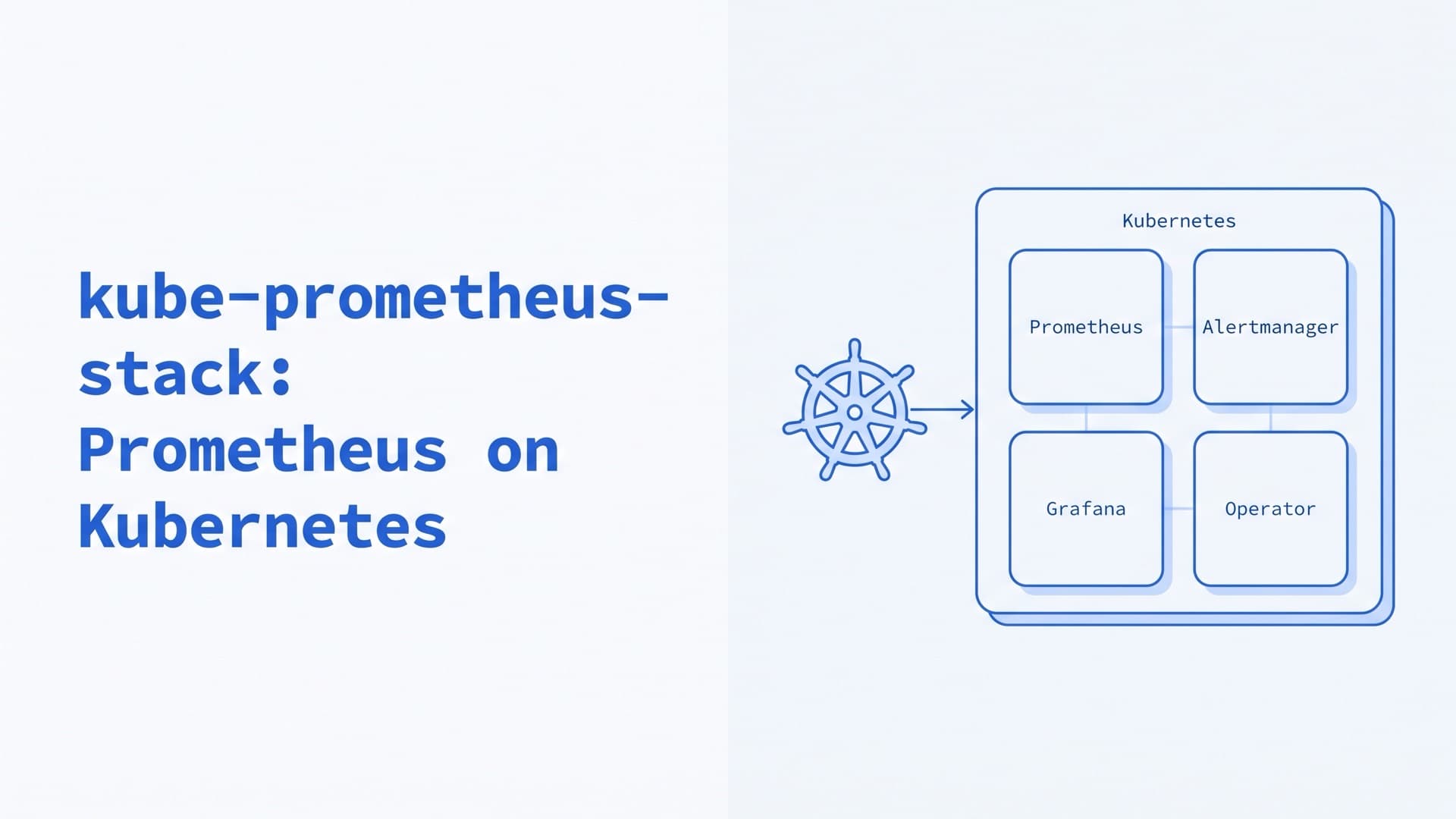
kube-prometheus-stack: Prometheus on Kubernetes
How to run kube-prometheus-stack and the Prometheus Operator in production: Helm values, ServiceMonitors, alerts, CRD upgrades, storage and remote_write.
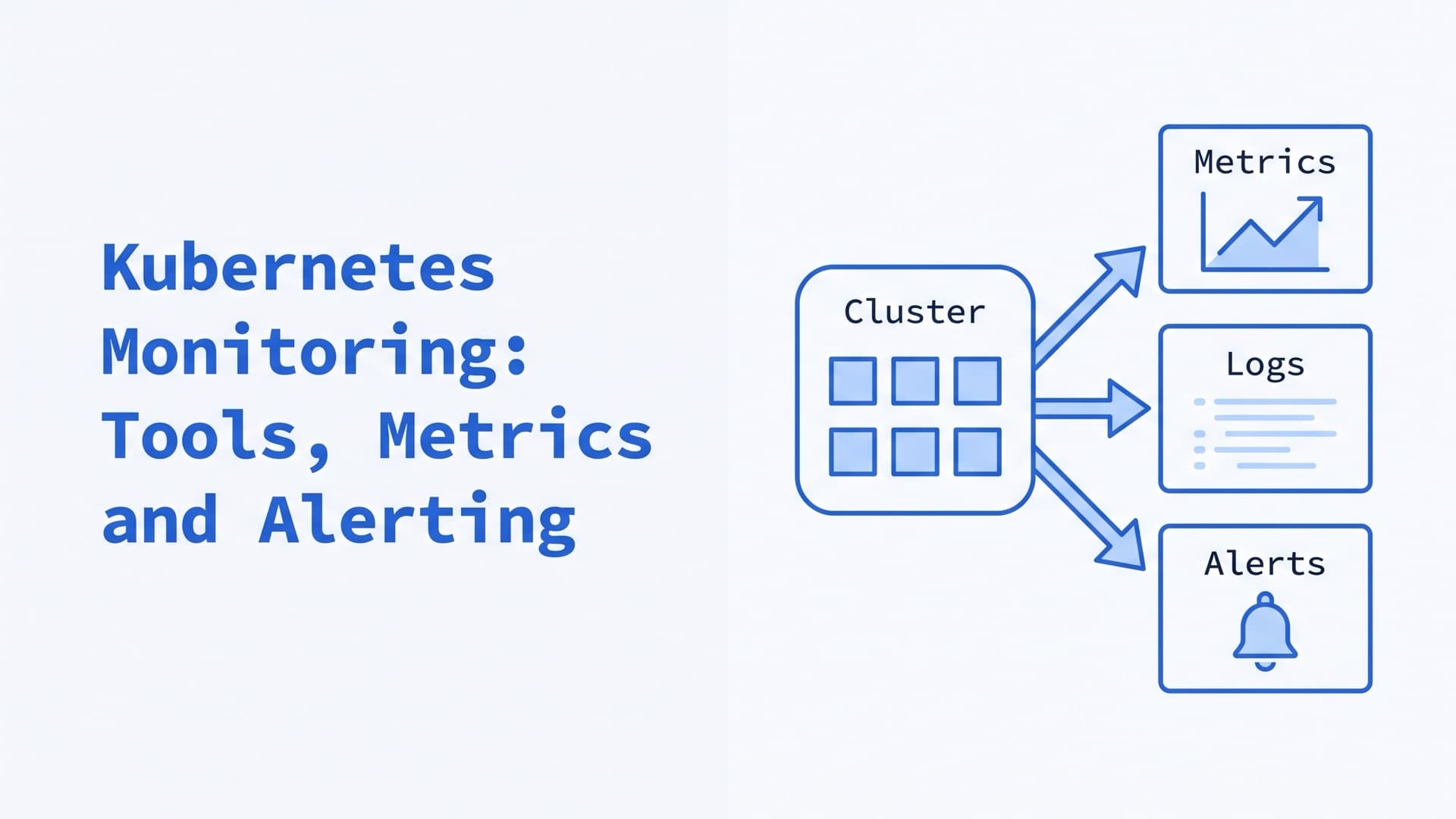
Kubernetes Monitoring: Tools, Metrics and Alerting
How to monitor Kubernetes in 2026: what to watch, where each metric comes from, monitoring and observability tools, alerts, costs, and the stack we run.
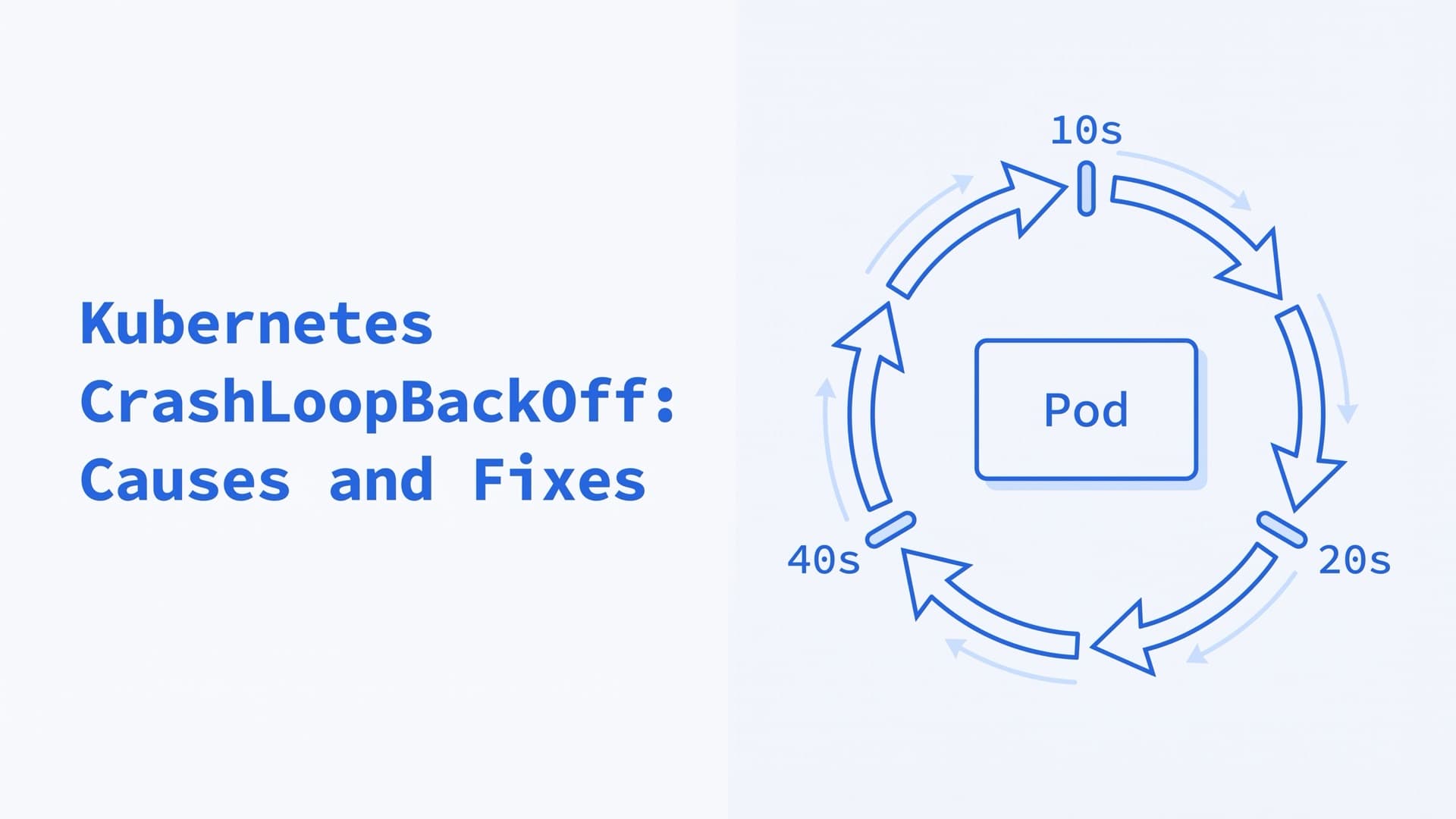
Kubernetes CrashLoopBackOff: Causes and Fixes
What CrashLoopBackOff and "Back-off restarting failed container" mean in Kubernetes 1.37, how long the backoff lasts, and how to debug and fix the cause.